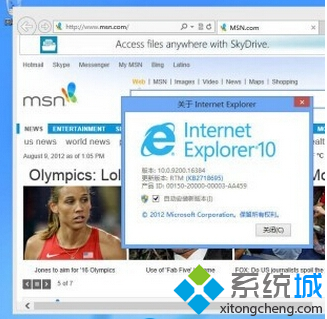
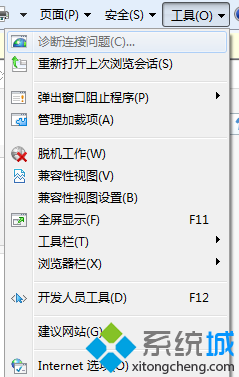
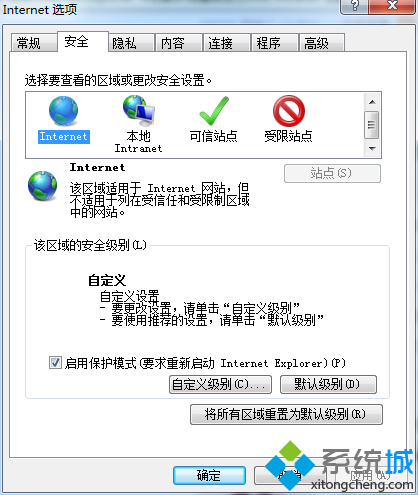
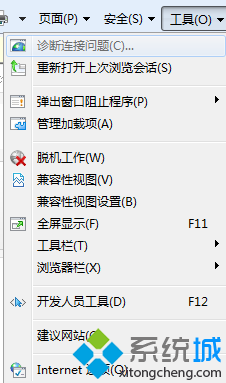
兩項設定可解決舊版網站在 IE11 上排版錯誤、功能異常等相容性問題。
命令列建立 Windows 8 Windows To Go 行動工作區完整步驟
Win8 鎖定畫面壁紙不顯示空白?更新或重裝顯示卡驅動程式解決
Windows 8 啟用無線網卡服務,解決偵測不到 Wi-Fi 訊號
Win8 讓滑鼠指向資料夾顯示提示資訊的設定方法
Windows 8 觸控手勢操作完整對照表:單指、雙指、邊緣滑動對應滑鼠鍵盤動作
Windows 8 系統時間自動同步兩大法:任務列時鐘與控制台雙管齊下
Windows 8 系統入門必學技巧:無線開關、輸入法切換、帳戶類型差異、Hyper-V 網路、設定遷移
Win8.1 休眠喚醒要求密碼:電腦設定→帳號→登入選項→密碼原則