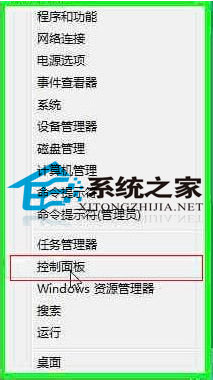
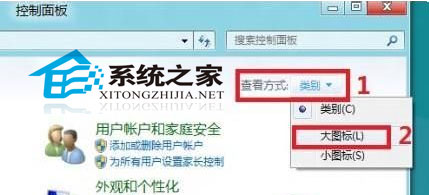
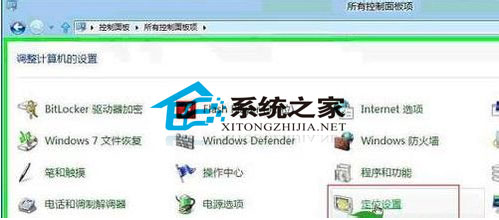
Win8 內建「位置服務」,不提供 GPS 級精度,但能讓天氣、地圖、搜尋等應用依據大概位置提供在地化資訊。
開啟後,天氣應用自動顯示所在地溫度、地圖自動定位、搜尋優先顯示附近結果,生活更便利。
Windows 8 本機安全性原則深度解析:密碼防暴力破解、防火牆進階規則、AppLocker 應用程式控制完整指南
Win8 系统文件损坏/丢失?sfc /scannow 修复失败再用 DISM 联网还原映像
Windows 8 設定媒體串流完整圖文教學(含截圖)
Windows 8 資源監視器使用教學:CPU、記憶體、磁碟、網路即時監控與程序分析
Win8 開機直接進入傳統桌面 跳過 Metro 開始畫面設定法
Windows 8 多螢幕切換:Win+P 快速鍵操作指南
Windows 8 快速開機原理與啟用/關閉「快速啟動」設定教學
Win8 任務管理器顯示「已暫停」進程,輕鬆找出掛起的背景程式