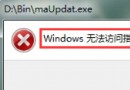
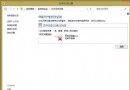
Windows 8.1 應用商店安裝/更新應用時出現錯誤碼 0x80246007,主因非商店本身故障,而是 Internet Explorer 11 的暫存檔案資料夾路徑異常導致。修正 IE 暫存路徑即可解決。
C:\Users\<使用者名稱>\AppData\Local\Microsoft\Windows\INetCache),確定。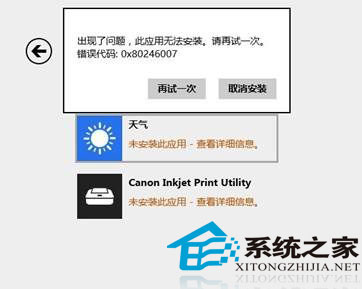
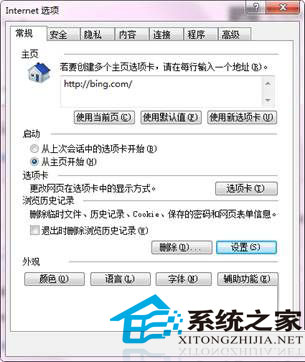
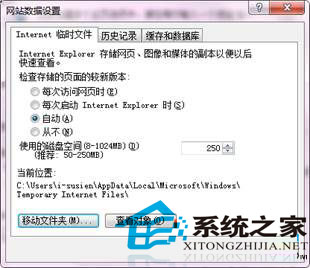
此錯誤常見於使用者手動更改過暫存資料夾位置,或使用清理工具導致路徑失效。恢復預設路徑通常即可修復。
Win8 忘記 BitLocker 密碼:使用復原金鑰解密,否則唯有重新格式化
Win8.1 操作中心图标丢失?组策略启用“删除操作中心图标”设为未配置即可恢复
Windows 8 使用技巧 15 招全圖解:關機、關閉 Metro 應用、多工切換、搜尋、Charms、任務列、輸入法、IE 切換、帳戶圖片、開始畫面分組、資源管理器 Ribbon
Windows 8 查看與修改電腦名稱、網域、工作群組:Win+X 系統、更改設定、重開機生效
國慶出遊必備軟體:軟媒魔方 (Wi-Fi 熱點、Hosts 修改、小助手、3G 管家、資料救援、美化大師)