DISM(部署映像服務與管理工具)可修復損毀的 Windows 映像,Win10 內建同適用:
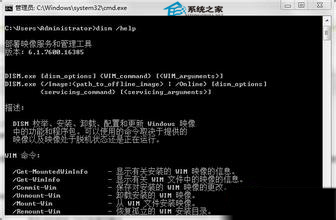
Dism /Online /Cleanup-Image /ScanHealthDism /Online /Cleanup-Image /CheckHealthDism /Image:C:\offline /Cleanup-Image /RestoreHealth /Source:c:\test\mount\windowsDism /Online /Cleanup-Image /RestoreHealth /Source:c:\test\mount\windows /LimitAccess未指定 /Source 時用「所需功能」預設位置;多來源時採第一個找到的檔案;/LimitAccess 可阻擋 DISM 使用 Windows Update 作為備援來源。
相關應用參考〈巧用 DISM 輕松刪除 Win8.1 WinSxS 冗餘更新〉、〈快速知曉 Win8.1 WinSxS 資料夾大小有絕招〉。