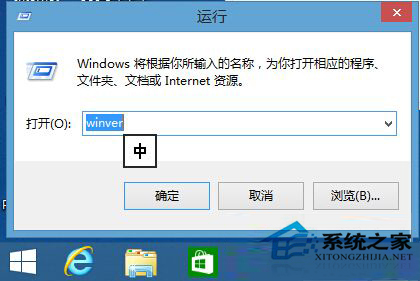
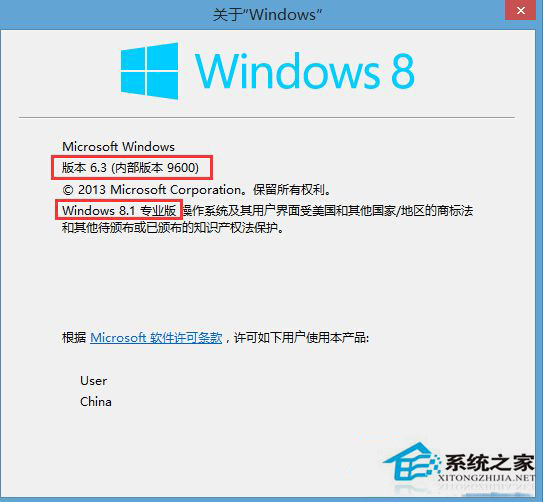
想知道目前使用的 Windows 8 確切版本(核心版、專業版、企業版)與組建編號?最快方法是使用 winver 指令。
winver
此指令在所有 Windows 版本通用,比進入控制台查看系統資訊快得多。
Win8 視窗自動配色功能:修改 .theme 檔啟用 AutoColorization 讓邊框跟隨桌布顏色
Windows 8 動態磚個人資訊清除四大法:關閉動態、側邊欄清除、刪除歷程、群組原則自動清理
Win8 使用藍牙連接手機實現檔案互傳:完整配對與授權設定教學
Win8 系統設定 USB 開機三大法:進入 BIOS 關閉 Hybrid Boot、強制關機、電源選項修改
Windows 8 設定使用者帳戶密碼圖文教學:從控制台到電腦設定建立登入密碼
Win8 查看硬碟容量:從「這台電腦」到磁碟管理兩種方法
Windows 8 创建图片密码:控制面板→用户→创建图片密码→绘制三手势
Win8 滑鼠設定在哪裡?透過 Charms 列 → 設定 → 控制台快速找到