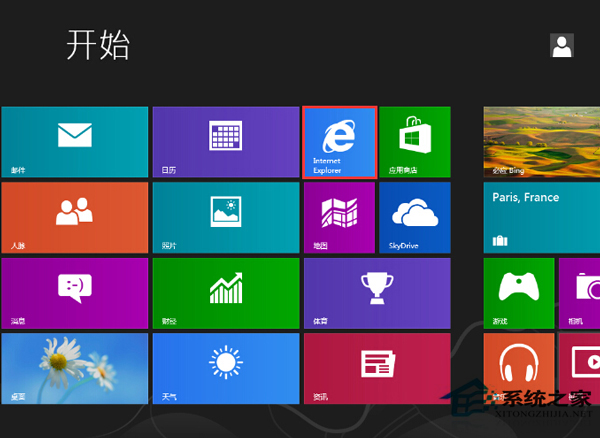
IE 磚被取消釘選導致開始畫面找不到,透過搜尋重新釘選即可恢復。
Internet Explorer
若無法釘選,先在 IE 設定中將其設為預設瀏覽器,再重複上述操作。
Win8 系統用組策略啟用應用商店教程
Win8 記憶體虛擬硬碟軟體:Primo Ramdisk 使用教學
Win 8 任務列時鐘顯示星期幾的日期格式自訂法
Windows 8 更換桌面主題與下載線上主題教學
Win8 命令提示字元實現定時關機:兩種指令教學
Win8 登入畫面 DPI 縮放設定 修改登錄表同步桌面縮放比例
Win8 相容模式執行不相容程式 (以 Photoshop CS5 為例):右鍵屬性 → 相容性 → 重命名技巧
Windows 8 內建閱讀器:免安裝 PDF/XPS 檢視工具