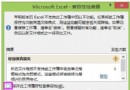
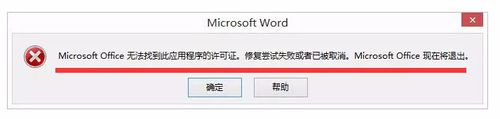
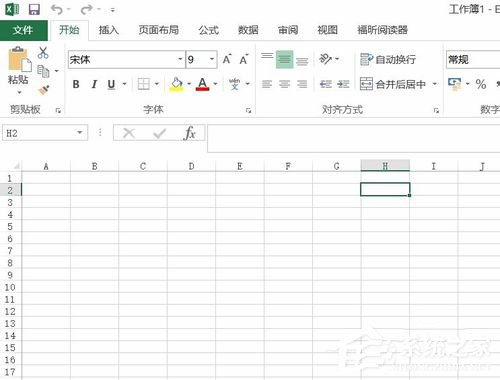
Windows 8 使用 Office 開啟檔案時彈出「無法驗證此應用程式的授權」,通常是 Software Protection 服務 (sppsvc) 登錄損毀導致服務無法啟動。透過匯入正確登錄值即可修復。
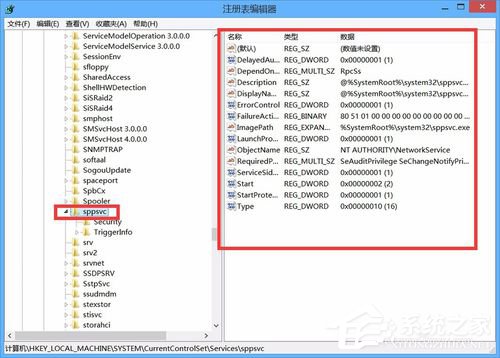
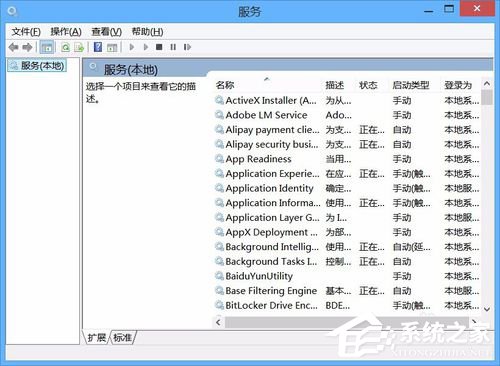
使用優化工具清理登錄、停用服務後,導致 HKEY_LOCAL_MACHINE\SYSTEM\CurrentControlSet\Services\sppsvc 登錄鍵值遺失或錯誤,服務呈現「已停用」狀態。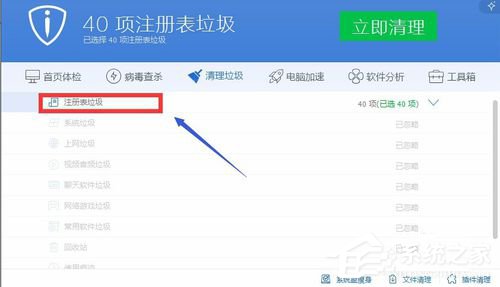
sppsvc_fix.reg:Windows Registry Editor Version 5.00
[HKEY_LOCAL_MACHINE\SYSTEM\CurrentControlSet\Services\sppsvc]
"StartProtected"=dword:00000001
"DisplayName"="@%SystemRoot%\\system32\\sppsvc.exe,-101"
"ErrorControl"=dword:00000001
"ImagePath"=hex(2):25,00,53,00,79,00,73,00,74,00,65,00,6d,00,52,00,6f,00,6f,00,74,00,25,00,5c,00,73,00,79,00,73,00,74,00,65,00,6d,00,33,00,32,00,5c,00,73,00,70,00,70,00,73,00,76,00,63,00,2e,00,65,00,78,00,65,00,00,00
"Start"=dword:00000002
"Type"=dword:00000010
"Description"="@%SystemRoot%\\system32\\sppsvc.exe,-100"
"DependOnService"=hex(7):52,00,70,00,63,00,53,00,73,00,00,00,00,00
"ObjectName"="NT AUTHORITY\\NetworkService"
"ServiceSidType"=dword:00000001
"RequiredPrivileges"=hex(7):53,00,65,00,41,00,75,00,64,00,69,00,74,00,50,00,72,00,69,00,76,00,69,00,6c,00,65,00,67,00,65,00,00,00,53,00,65,00,43,00,68,00,61,00,6e,00,67,00,65,00,4e,00,6f,00,74,00,69,00,66,00,79,00,50,00,72,00,69,00,76,00,69,00,6c,00,65,00,67,00,65,00,00,00,53,00,65,00,43,00,72,00,65,00,61,00,74,00,65,00,47,00,6c,00,6f,00,62,00,61,00,6c,00,50,00,72,00,69,00,76,00,69,00,6c,00,65,00,67,00,65,00,00,00,53,00,65,00,49,00,6d,00,70,00,65,00,72,00,73,00,6f,00,6e,00,61,00,74,00,65,00,50,00,72,00,69,00,76,00,69,00,6c,00,65,00,67,00,65,00,00,00,00,00
"DelayedAutoStart"=dword:00000001
"FailureActions"=hex:80,51,01,00,00,00,00,00,00,00,00,00,03,00,00,00,14,00,00,00,01,00,00,00,c0,d4,01,00,01,00,00,00,e0,93,04,00,00,00,00,00,00,00,00,00
[HKEY_LOCAL_MACHINE\SYSTEM\CurrentControlSet\Services\sppsvc\Security]
"Security"=hex:01,00,14,80,a0,00,00,00,ac,00,00,00,14,00,00,00,30,00,00,00,02,00,1c,00,01,00,00,00,02,80,14,00,ff,01,0f,00,01,01,00,00,00,00,00,01,00,00,00,00,02,00,70,00,05,00,00,00,00,00,14,00,ff,01,02,00,01,01,00,00,00,00,00,05,12,00,00,00,00,00,18,00,fd,01,0f,00,01,02,00,00,00,00,00,05,20,00,00,00,20,02,00,00,00,00,14,00,9d,01,02,00,01,01,00,00,00,00,00,05,04,00,00,00,00,00,14,00,9d,01,02,00,01,01,00,00,00,00,00,05,06,00,00,00,00,00,14,00,14,00,00,00,01,01,00,00,00,00,00,05,0b,00,00,00,01,01,00,00,00,00,00,14,00,14,00,00,00,01,01,00,00,00,00,00,05,12,00,00,00,01,01,00,00,00,00,00,05,12,00,00,00
[HKEY_LOCAL_MACHINE\SYSTEM\CurrentControlSet\Services\sppsvc\TriggerInfo]
[HKEY_LOCAL_MACHINE\SYSTEM\CurrentControlSet\Services\sppsvc\TriggerInfo\0]
"Type"=dword:00000014
"Action"=dword:00000001
"GUID"=hex:da,8a,52,f5,5f,be,14,4f,8a,ef,a9,5d,e7,28,11,61
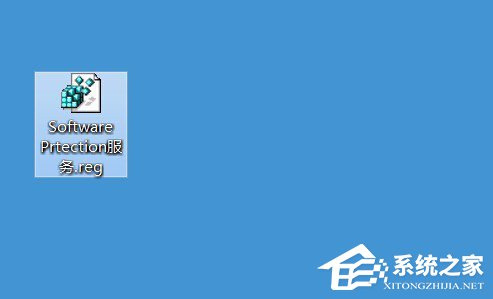
sppsvc_fix.reg → 「是」匯入登錄。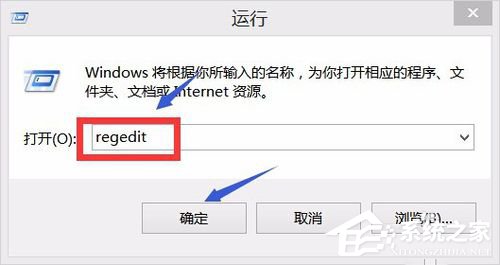
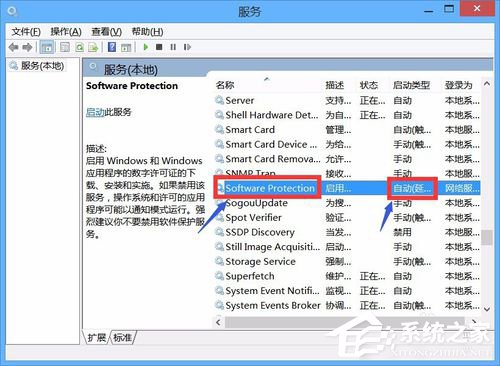
此方法修復 sppsvc 服務登錄配置,恢復授權驗證功能,避免重裝 Office 或系統。