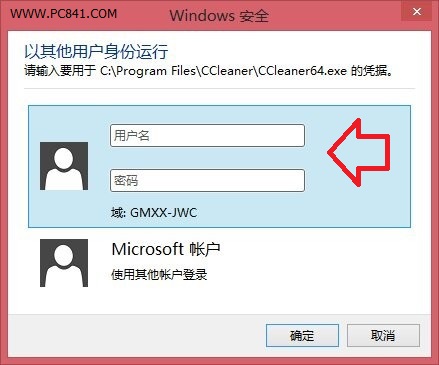
Win 8/8.1 可在不登出、不重開機情況下快速切換帳戶:
適用家庭共用電腦或公用場合,每位使用者可建立獨立帳戶保留個人設定,快速切換互不干擾。 相關教學:Win 8.1 切換本機帳戶設定方法
Win 8 安裝 MSI 套件出現 2502/2503 錯誤?以系統管理員身分執行 msiexec 解決
Windows 8.1 螢幕亮度無法調整?核心顯卡驅動衝突解決實測
Windows 8 關機大全:五種方法讓您優雅告別「強制斷電」尷尬
Win 8 安裝字體小撇步:拖曳 .ttf/.fon 至 C:\Windows\Fonts 或控制台字體資料夾
Windows 8 硬碟安裝法:使用 source/setup.exe 而非根目錄 setup.exe
Windows 8 多工作業視窗切換完整指南:滑鼠、觸控、快捷鍵三大操作模式
Win8/8.1 磁貼背景與個人化色彩設定完整圖解
Win8 內建「Windows 7 檔案復原」功能打造系統映像完整圖文教學