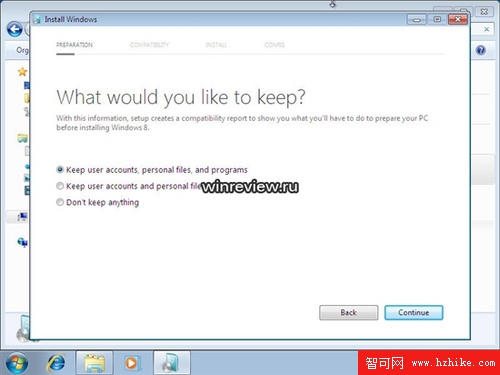
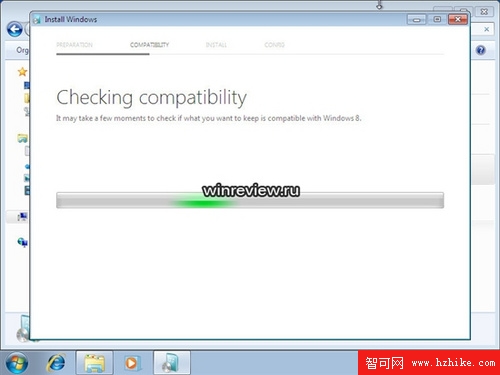
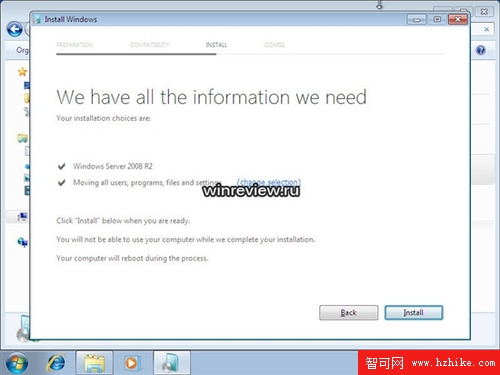
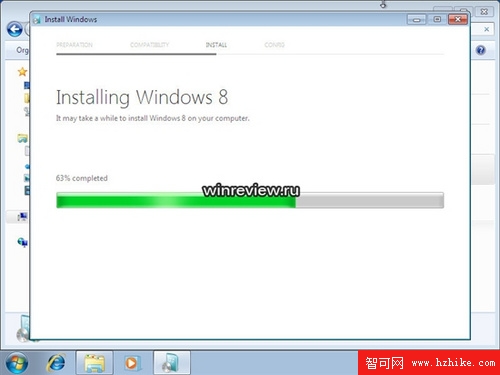
Windows 8 安裝嶄新亮點:可選擇保留使用者資料、帳戶與部分程式檔案。安裝程式會自動收集、保存使用者資料檔案,方便遷移至新系統。
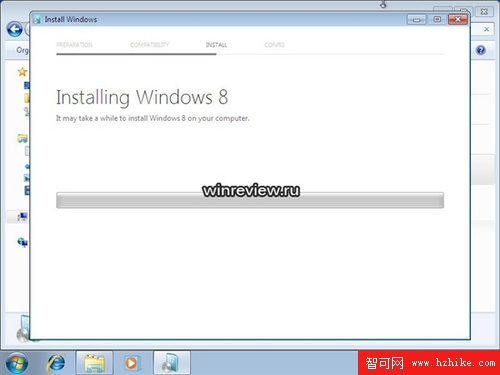
點擊「安裝」後,系統正式進入檔案複製與擴展階段。此時可稍作休息,等待進度條完成。
此為安裝過程截圖系列第二部分,前序步驟 (語言選擇、授權、分割區等) 請參考前篇文章。
Win 8 新介面安裝體驗實錄(二):OOBE 設定流程逐步圖解
Win8 內建 Reader 應用閱讀 PDF 技巧(二):瀏覽模式、搜尋、書籤、旋轉、文件資訊
Windows 8 開始按鈕消失?Win+X 快捷鍵呼叫進階功能選單完美替代
微軟揭秘:為什麼要「殺死」 Windows 8 的開始按鈕?數據驅動的設計決策
Win8 開始畫面磚塊重新排列、分組、命名與動態更新設定
Windows 8 史上最快關機法:建立一鍵關機捷徑
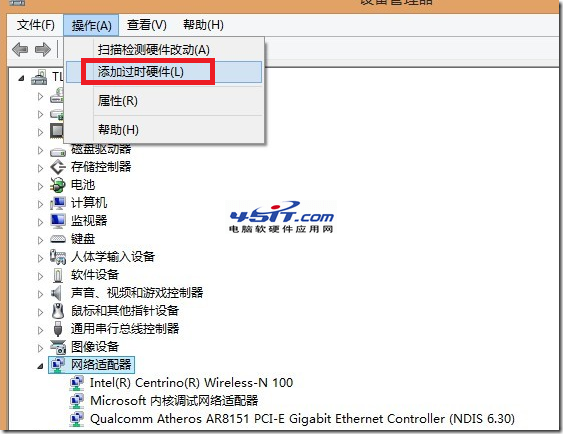
Win8 ADSL 撥號閒置自動斷線?關閉「掛斷前的閒置時間」徹底解決
Windows 8 介面傳聞酷似 Windows Phone 7:雙重介面、動態磚、遊戲中心