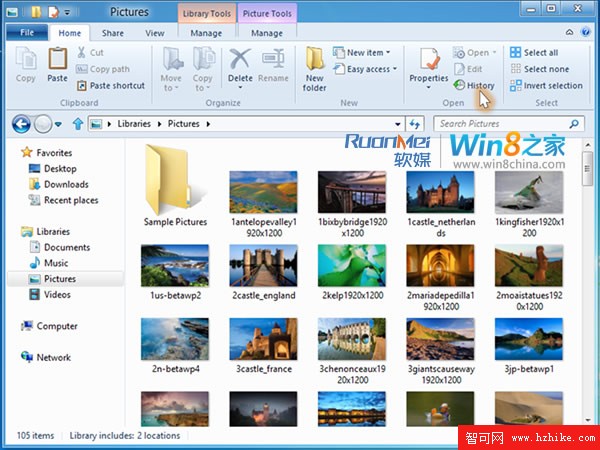
7 月 11 日,微軟在 Building Windows 8 部落格發布影片,示範如何使用「檔案歷程記錄」功能保護個人檔案。
檔案歷程記錄專門保護儲存在程式庫、桌面、收藏夾、連絡人資料夾中的個人檔案。預設每小時掃描一次檔案系統變更,將異動備份至使用者指定的外部裝置,隨時間建立完整的檔案變更歷程。
此功能取代 Windows 7 的「Windows 備份與還原」,提供全新的資料保護方式。
Windows 8 螢幕解析度與方向設定:橫向/縱向切換、重新整理率、顯示卡屬性
升級 Windows 8 必讀:硬體需求檢查、Atom 處理器不支援、解析度門檻、快速鍵與推薦 Metro 應用
Windows 8 好用嗎?11 項全新體驗亮點實測分享
Win8 點關機電腦不關機?關閉「啟用快速啟動」五步徹底解決
Windows 8 增加功能 (Add Features) 常見問答:購買、升級版本與還原
Windows 8 消費者預覽版 12 大實用操作技巧全攻略
Windows 8 使用「優化磁碟機」整理磁碟碎片與 SSD TRIM
Win 8/8.1 任務列時間設定完整教學:12/24 小時制切換與時鐘圖示消失解決法