Windows 8.1 Update 帶來 WinPE 5.1(原 5.0 升級),支援 WIMBoot 等新特性。以下使用 Windows ADK 工具,將更新包整合至 WinPE 映像,製作最新版啟動媒體。
C:\MSU)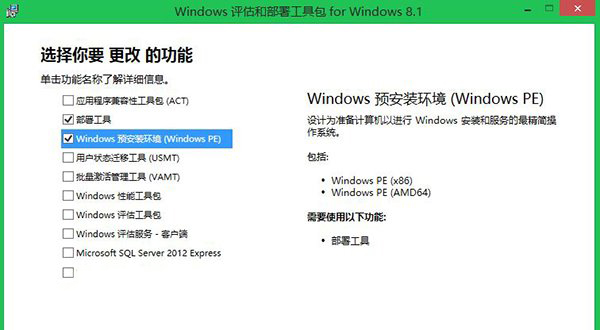
以管理員身分開啟「部署和映像工具環境」:
copype amd64 C:\WinPE_amd64
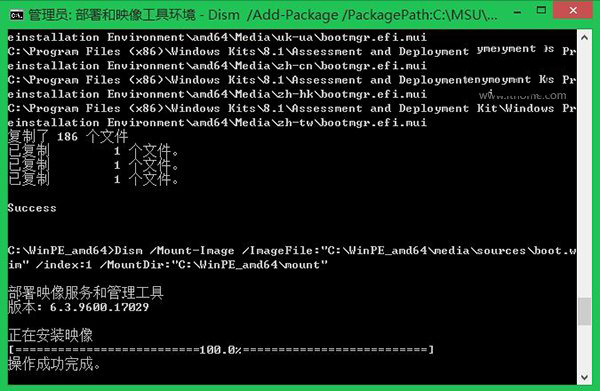
Dism /Mount-Image /ImageFile:"C:\WinPE_amd64\media\sources\boot.wim" /index:1 /MountDir:"C:\WinPE_amd64\mount"

Dism /Add-Package /PackagePath:C:\MSU\Windows8.1-KB2919442-x64.msu /Image:C:\WinPE_amd64\mount /LogPath:AddPackage.log
Dism /Add-Package /PackagePath:C:\MSU\Windows8.1-KB2919355-x64.msu /Image:C:\WinPE_amd64\mount /LogPath:AddPackage.log
Dism /Add-Package /PackagePath:C:\MSU\Windows8.1-KB2932046-x64.msu /Image:C:\WinPE_amd64\mount /LogPath:AddPackage.log
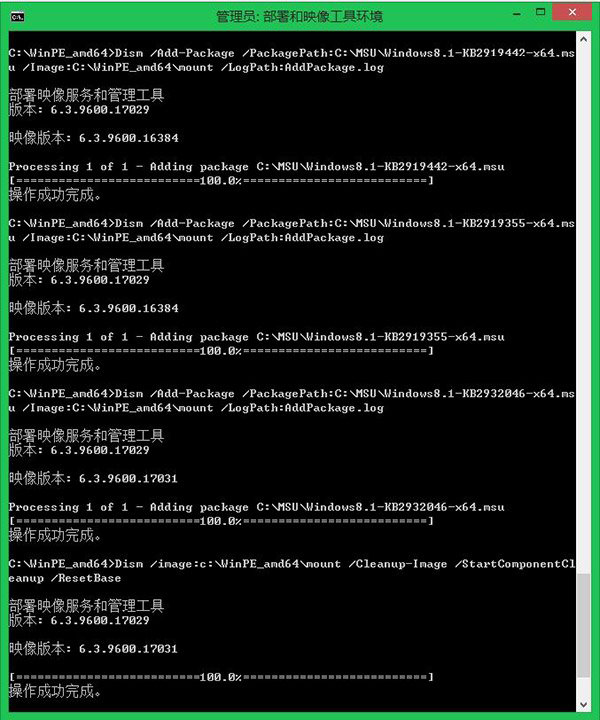
Dism /image:C:\WinPE_amd64\mount /Cleanup-Image /StartComponentCleanup /ResetBase
Dism /Unmount-Image /MountDir:"C:\WinPE_amd64\mount" /commit
Dism /Export-Image /SourceImageFile:C:\WinPE_amd64\media\sources\boot.wim /SourceIndex:1 /DestinationImageFile:C:\WinPE_amd64\media\sources\boot2.wim
Del C:\WinPE_amd64\media\sources\boot.wim
rename C:\WinPE_amd64\media\sources\boot2.wim boot.wim
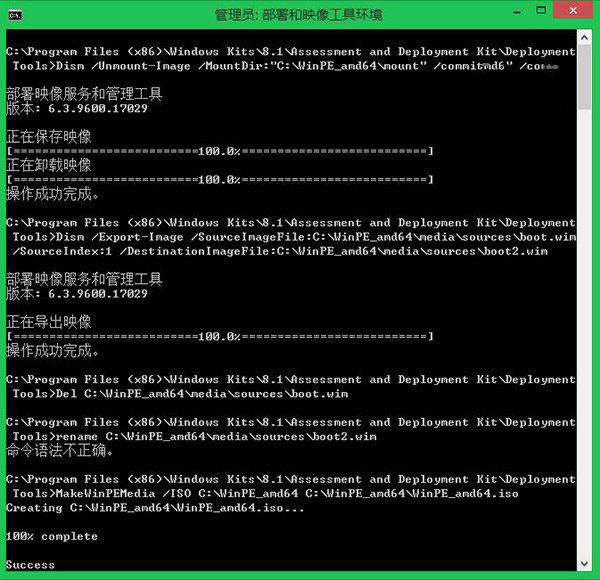
MakeWinPEMedia /ISO C:\WinPE_amd64 C:\WinPE_amd64\WinPE_amd64.iso
或使用第三方工具(如魔方 USB 啟動大師)燒錄 USB。
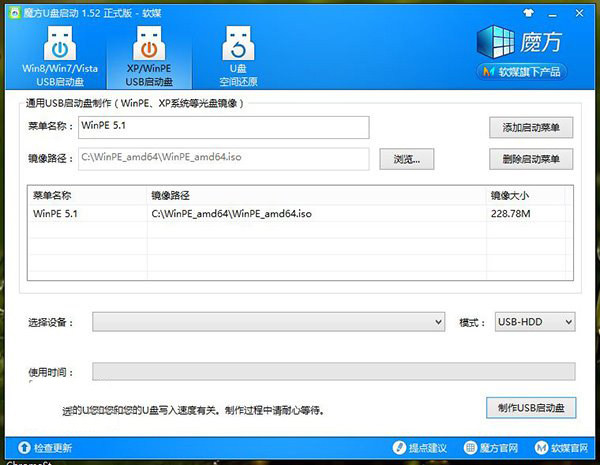
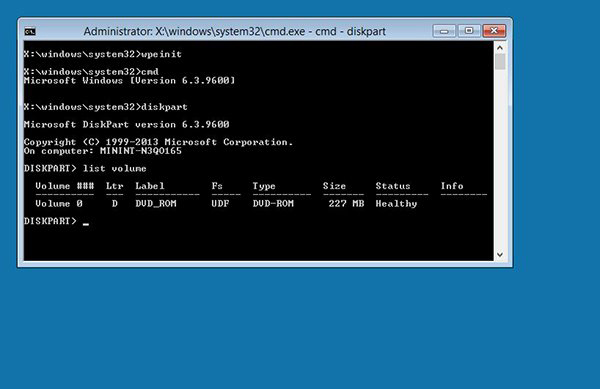
完成後即擁有支援 Win8.1 Update 新特性(含 WIMBoot)的 WinPE 5.1 微型系統。