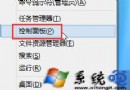
遊戲中誤按 Win 鍵彈出開始畫面干擾操作?透過登錄禁用 Win 鍵:
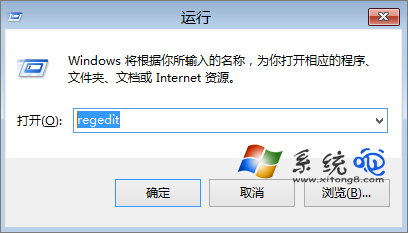
regedit
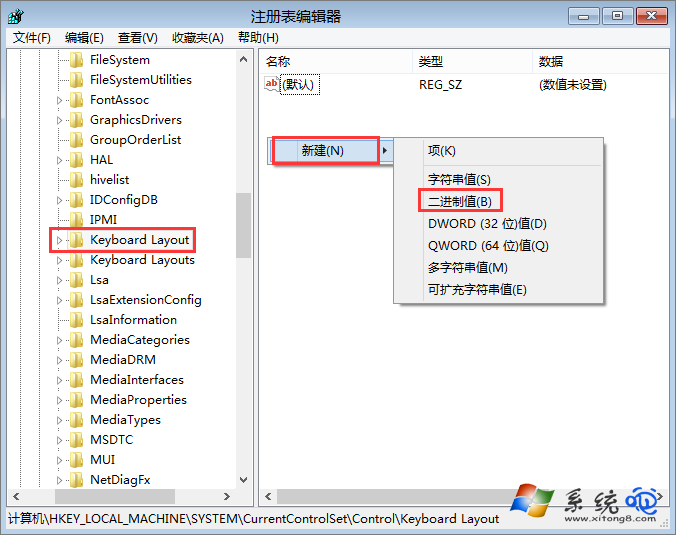
HKEY_LOCAL_MACHINE\SYSTEM\CurrentControlSet\Control\Keyboard Layout
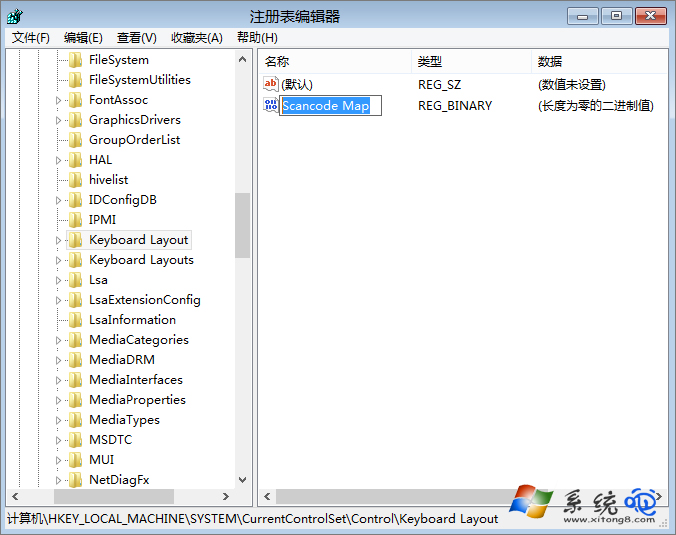
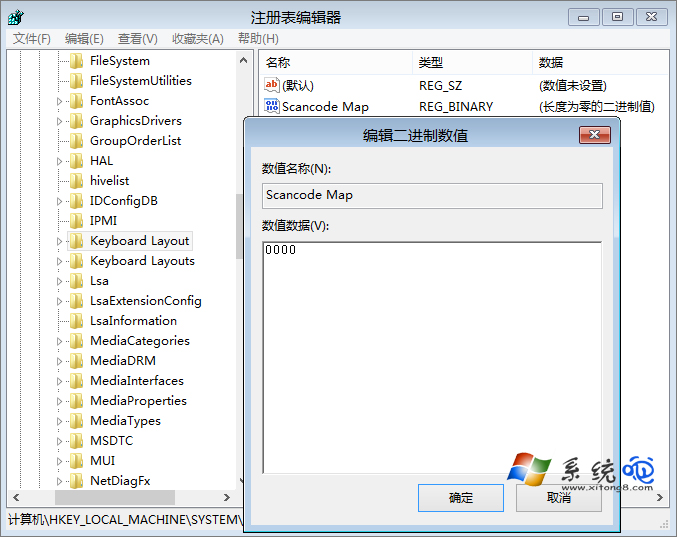
Scancode Map
00 00 00 00 00 00 00 00 03 00 00 00 00 00 5b e0 00 00 5c e0 00 00 00 00
Keyboard Layout
Win 8.1 讓 SkyDrive 特定資料夾在檔案總管不顯示:設定隱藏屬性與資料夾選項
Windows 8 升級後 C 槽空間暴增?六大佔用元兇與清理方案
Windows 8 工作管理器詳解:簡易/詳細模式、進程分組、資源熱度色塊、啟動項管理、應用歷程記錄
Windows 8 將 IE 釘選至開始畫面與工作列:搜尋介面兩步操作
Windows 8 語言選擇介面洩露:調色盤式分類,切換更直觀
Windows 8 裝機完整紀錄:NE6 HDD 安裝、USB 安裝、啟用、必裝軟體與前端開發工具推薦
Windows 8 作業系統登場前必知的十大關鍵焦點
如何查詢 Win8.1 系統是試用版還是永久授權激活:四條指令完整指南