SFC (System File Checker) 是 Windows 內建的系統檔案修復工具,能掃描並修復損壞、遺失、版本錯誤的受保護系統檔案,解決更新失敗、啟動異常、功能錯誤等問題。
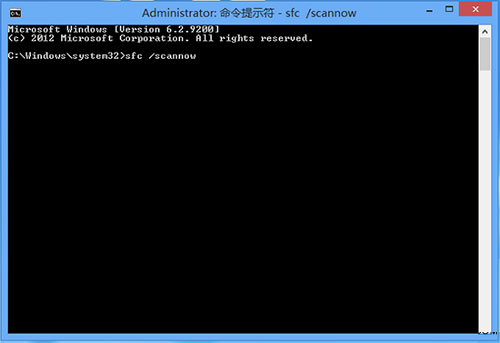
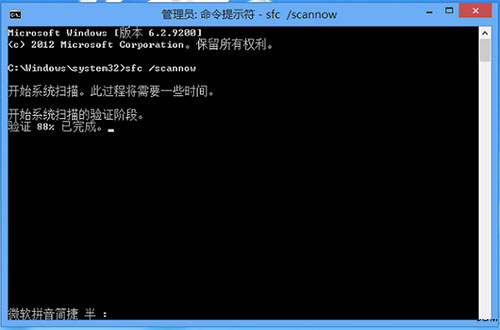
sfc /scannow → Enter。| 訊息 | 含義 | 後續動作 |
|---|---|---|
| Windows Resource Protection did not find any integrity violations. | 無損壞檔案 | 無需處理 |
| Windows Resource Protection found corrupt files and successfully repaired them. | 發現並修復損壞檔案 | 重開機驗證 |
| Windows Resource Protection found corrupt files but was unable to fix some of them. | 部分檔案無法修復 | 查看 CBS.log、嘗試 DISM 修復元件存儲 |
| Windows Resource Protection could not perform the requested operation. | 掃描失敗 | 安全模式執行、檢查硬碟錯誤 |
sfc /scannow /offbootdir=C:\ /offwindir=C:\Windows(在 WinRE/安裝媒體中修復離線系統)。Dism /Online /Cleanup-Image /CheckHealth(快速檢查)。Dism /Online /Cleanup-Image /ScanHealth(深度掃描)。Dism /Online /Cleanup-Image /RestoreHealth(自動修復,需網路下載健康檔案)。sfc /scannow。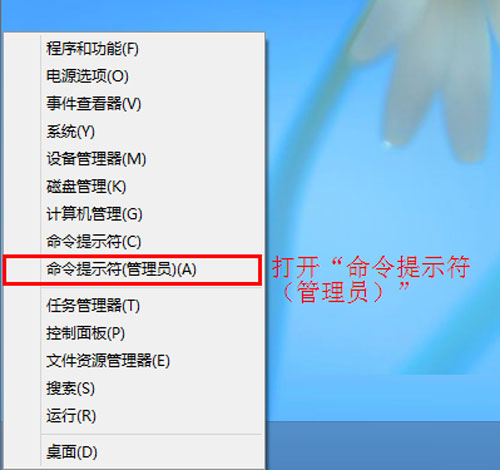
SFC 是系統維護的第一道防線,建議每季執行一次,或遇到不明錯誤時優先執行。