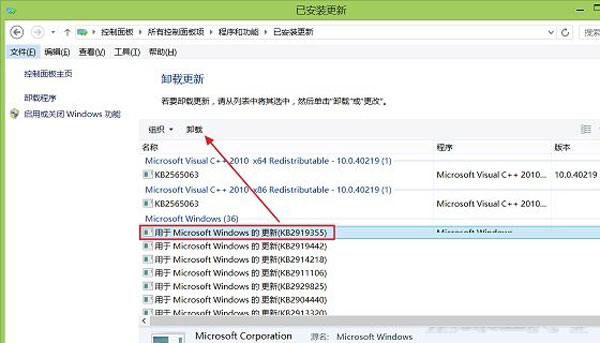
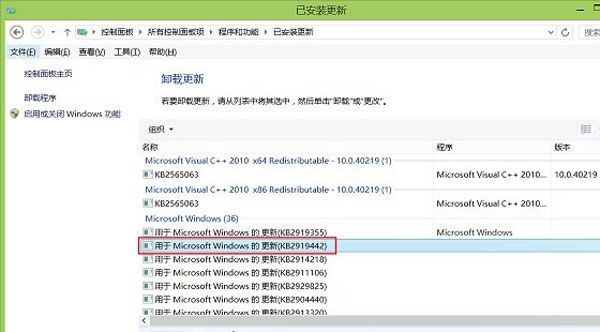
Windows 8.1 2014 Update(KB2919355)提供官方降級機制,透過移除特定更新套件即可回退至 Windows 8.1 基礎版,解決早期升級後無法降級的問題。
PDF 轉 Word 免裝軟體:善用 OneDrive (SkyDrive) 線上轉檔,版面完美保留
解鎖 Win8 隱藏功能:原生 PDF 閱讀器、Ribbon UI、攝影機應用
Win8 常見 12 大疑難雜症完整解答:輸入法、截圖、檔案關聯、安全模式、快速啟動等
Win8 無法關機?修改註冊表 BootExecute 移除自動檢測殘留命令修復
Win8 變成 Windows To Go 環境?應用商店無法使用的修復之路
Windows 8 版 QQ 卡死?騰訊官方解決方案:避免中文使用者名稱
Windows 8 M2 Build 7955 四大隱藏功能啟用工具 RedPill:Metro 登入、新任務管理器、Immersive 瀏覽器、圖形密碼