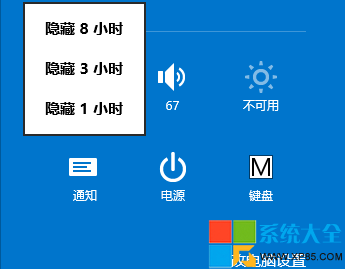
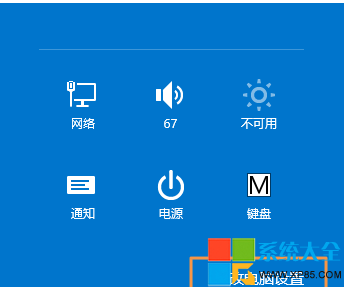
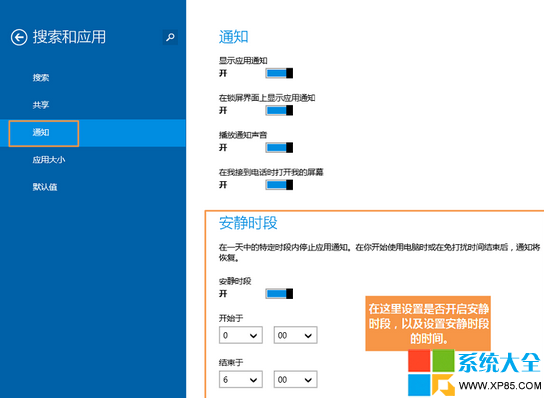
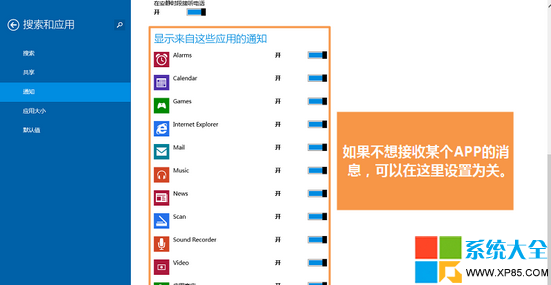
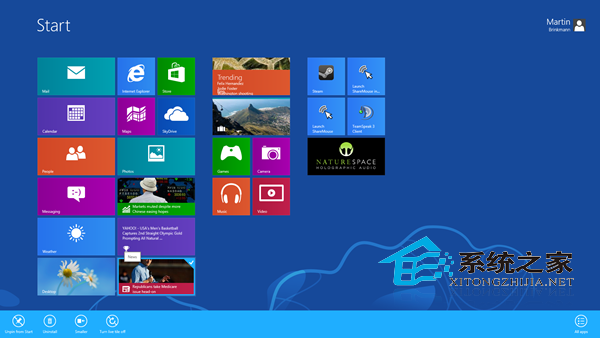
Win8.1 內建「靜默時段」功能,可設定每日特定時段封鎖 Modern 應用通知,避免夜間干擾。
Win8手機助手無法連接手機?進入啟動設定禁用驅動強制簽名解決驅動阻擋
Win8 找回 F8 安全模式啟動:一條命令恢復傳統啟動選單
Win8.1 隱藏神技:滑動關機,帥氣又高效
Win8.1 美式鍵盤不見了?控制台→語言→新增英語(美國)→設為預設輸入法
Win8 修改 hosts 檔案完整教學:拖曳法繞過權限限制
Win 8/8.1 右鍵選單新增 Windows Defender 掃描功能登錄修改教學
Win8 系統如何設定圖片密碼
Windows 8 實用小技巧 81 選完整版:熱區、關閉應用、一鍵 Metro、隱藏開始選單、鎖屏、卸載、關機、搜尋、磚塊整理、輸入法切換、任務切換、IE 啟動、免密登入、應用分類、我的電腦釘選、工作管理器變身、Charms、多任務、分類搜尋、開始畫面分組、Ribbon、ISO 掛載、檔案複製、資料夾選項、新進程、重啟總管、虛擬機、效能排查、Metro 應用修復、舊版工作管理員、16 位應用、系統修復、裝置管理器事件