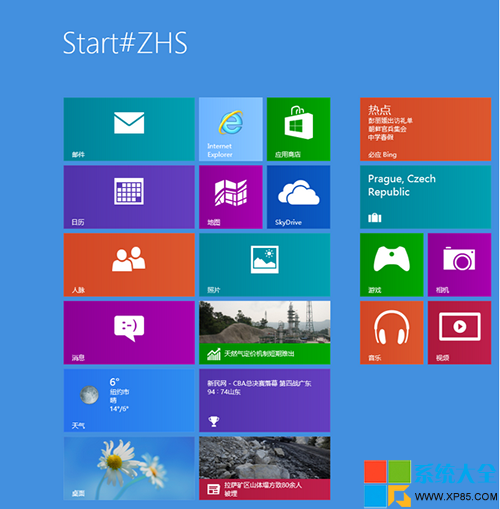
開機進入開始屏幕顯示巨大的 Start#ZHS 字樣。
Start#ZHS
C:\Windows\Fonts
Windows 8 變更預設輸入法設定:控制台語言進階設定替代預設輸入法
Windows 8 多語言設定教學:新增語言、下載語言包、設定顯示語言
Win8.1 局域網 Ping 不通?開啟 ICMP 規則與網絡類型修正
Surface Windows 8 應用程式自動更新設定教學
Win8 系統 AppData 資料夾能不能刪除?詳細分析與清理建議
Win8 取得 Windows 備份 VHD 檔案存取權限:一鍵突破拒絕存取
終端平台種類再多也不怕:Windows 8 一網打盡統一生態
獨家首發支援 Windows 8:驅動精靈 2011 SP2 版本釋出