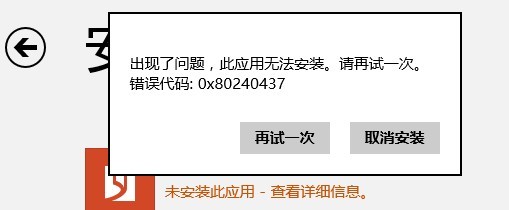
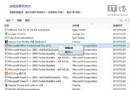
services.msc
C:\Windows\SoftwareDistribution
SoftwareDistributionOld
Microsoft Surface (RT/Pro) 使用心得:介於平板與筆電間、Office 完美、應用生態待建設、硬體接口優勢明顯
用戶吐槽 Metro 介面混亂 微軟承諾 Beta 版將大幅優化
微軟面向 MSDNAA 提供 Windows 8 開發者預覽版:學生免費體驗
Win8.1 中文系統執行中文軟體出現亂碼解決方案
Windows 8 動態貼片架構解析:以資料驅動兼顧效能與續航
Windows 8 使用「優化磁碟機」磁碟碎片整理與排程設定圖文教學
IdeaPad Flex 14/15 關閉 ALS 智慧感光功能教學(含 BIOS 進階設定)
Windows 7/Vista/XP 可升級安裝 Windows 8 Consumer Preview