Windows XP Windows 7 Windows 2003 Windows Vista Windows 綜合教學 Linux 系統教學
Windows 10 Windows 8 Windows 2008 Windows NT Windows Server 電腦軟體教學

Win7 捷徑圖示遺失三大解決法:DPI縮放、重建快取、安全模式修復

編輯:Win7 系統基礎知識

安裝程式或用優化軟體後,捷徑圖示變空白但功能正常。三種修復法由易至難:

方法一:變更文字大小觸發重繪(最簡單)

控制台 → 外觀和個人化 → 顯示 → 將文字大小改為 125% → 登出 → 再改回 100% → 登入,圖示通常恢復。

方法二:命令列重建圖示快取

  1. Win+R → cmd 開啟命令提示字元。
  2. Ctrl+Shift+Esc 開啟工作管理員 → 「進程」 → 結束 explorer.exe。
  3. CMD 中輸入:
    cd /d %userprofile%\appdata\local
    del iconcache.db /a
    exit
  4. 工作管理員 → 「應用程式」 → 「新增工作」 → 輸入 explorer.exe → 確定。(重啟/登出無效,必須重啟 explorer 進程)。

方法三:安全模式重建快取

進入安全模式 → 重複方法二操作 → 重啟。安全模式下系統載入最少驅動,重建成功率最高。
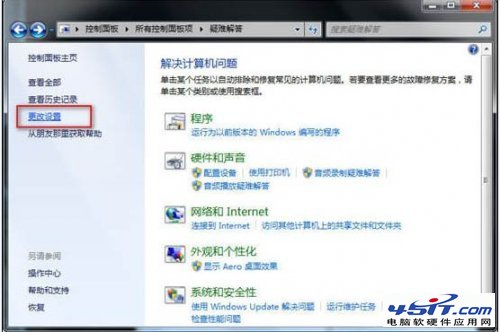
捷徑圖示遺失範例

優先嘗試方法一(無風險),無效再用方法二/三。定期清理圖示快取可預防此問題。

Copyright © Windows教程網 All Rights Reserved