複製貼上功能失效 (Ctrl+C/V 無反應、右鍵選單無複製選項) 通常由病毒、磁碟錯誤、系統暫存檔過多引起。四步驟逐層排查修復。
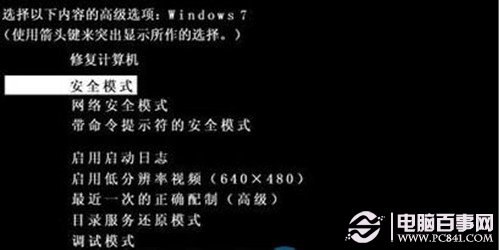
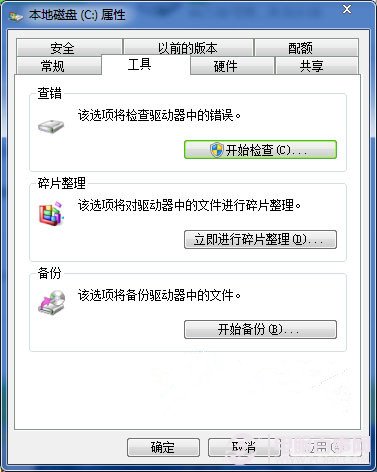
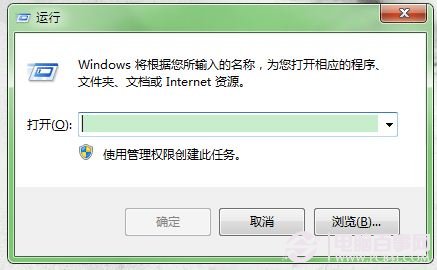
CHKDSK D: /f (D: 為目標磁碟,系統盤用 C:) → Enter → 同意下次重啟檢查 → 重啟等待修復完成。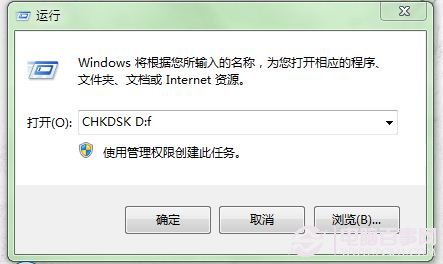
若上述無效,可用 360 安全衛士/金山衛士「系統修復」/「斷網急救箱」等一鍵修復功能嘗試。
Windows 7 取得最高 TrustedInstaller 權限,掌控系統資料夾
Windows 7/Vista 下支付寶 (Alipay) 數位憑證安裝失敗完整解決流程:關閉 IE 保護模式、匯入憑證 CAB、安裝 Vista 升級檔、註冊 xenroll.dll
神舟筆電 Win7 家庭基本版升級旗艦版實戰:刪除 EI.cfg 硬碟乾淨安裝、OEM 憑證自動啟用
Win7 撥接 VPN 卡在「驗證使用者名稱和密碼」?啟用 IKE 服務即可解決
Win7 數學輸入面板:手寫數學公式直輸 Word,論文寫作神器