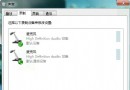
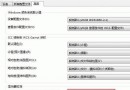
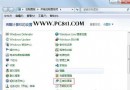
此功能屬於聲音驅動程式層級的動態範圍壓縮,能將靜音段提升、大音段壓低,整體主觀音量明顯增大,對筆電內建喇叭效果尤為明顯。若驅動程式不支援該選項則不會顯示。
Windows 7 BitLocker 磁碟加密:企業資料保護全方位解析
Win7 資料夾加密不求人:CMD 一條指令建立「隱形加密資料夾」,無需第三方軟體
Windows 7 系統安全優化與瘦身全攻略
Win 7 安裝升級購買常見 7 大問題解答(二)
Windows 7 最大殺手鋒特性是「智慧」:多核心調度超越 XP 250%
Win7 省電方案延長筆電續航:預設平衡/省電模式、自訂方案針對不同場景
Win7 雙系統 Ghost 備份三大鐵則:先備份 XP、保留 boot.ini、慎用一鍵還原精靈
微軟優化顯示模型 讓 Windows 7 運行更流暢