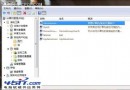
Win 7 資源管理器移除了許多經典工具列按鈕。微軟在登錄表留有後門,稍加修改即可找回所有常用功能按鈕,或直接匯入提供的 .reg 檔一鍵完成。
RegEdit 開啟登錄表編輯器。HKEY_LOCAL_MACHINE\SOFTWARE\Microsoft\Windows\CurrentVersion\Explorer\FolderTypes\{5c4f28b5-f869-4e84-8e60-f11db97c5cc7}TasksItemsSelected(若提示權限不足,右鍵該機碼→權限→進階→擁有者,設為目前使用者)。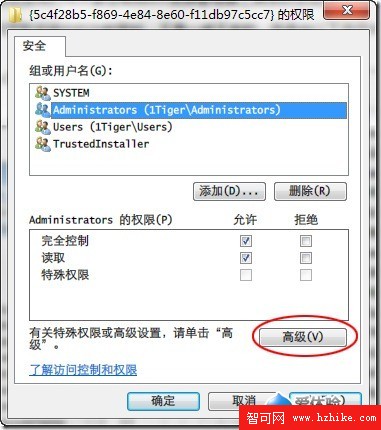
Default 值,設定功能集合(分號分隔):Windows.selectall;Windows.Cut;Windows.Copy;Windows.Paste;Windows.Delete;Windows.rename;Windows.properties;Windows.closewindow此修改即時生效,無需重啟。資源管理器工具列瞬間變身專業版!