IPv6 隧道將 IPv6 封包封裝於 IPv4 中傳輸。Win7 筆記本頻繁切換網路時會自動建立大量隧道介面(ipconfig /all 顯示數十條),干擾 IPv4 資訊查看。可手動關閉:
netsh interface teredo set state disable
netsh interface 6to4 set state disabled
netsh interface isatap set state disabled
netsh interface teredo set state default
netsh interface 6to4 set state default
netsh interface isatap set state default
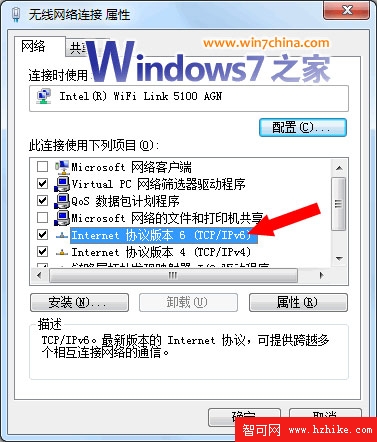
執行上述指令即可淨化網路介面列表,方便除錯與管理。