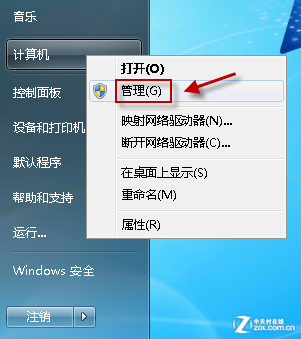
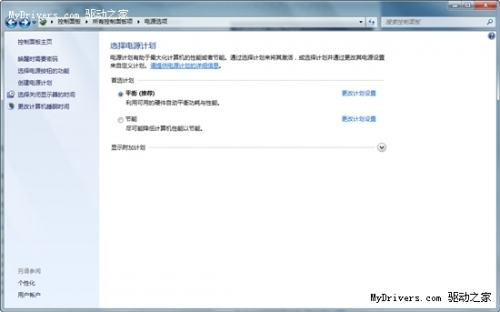
電腦累積大量 PDF 檔案時,若只能靠檔名搜尋極不效率。Windows 7 內建的索引服務若搭配 Foxit PDF IFilter,即可直接搜尋 PDF 內部文字,大幅提升檢索速度。
Foxit PDF IFilter.msi。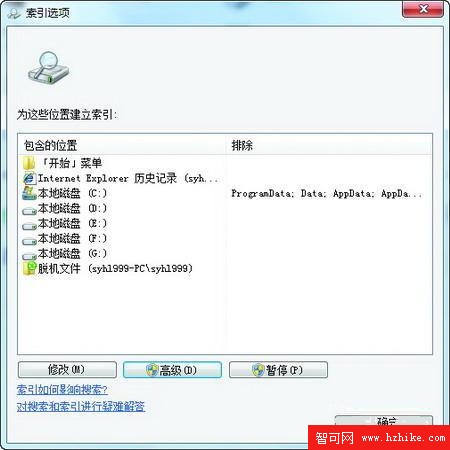
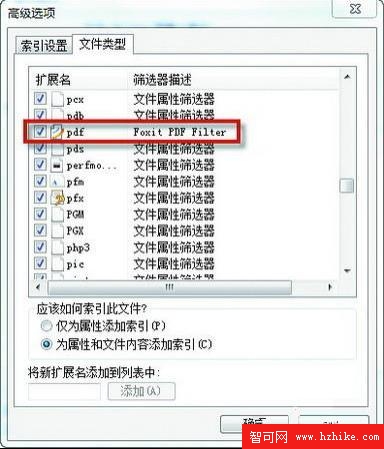
系統會在背景建立索引,時間視檔案數量而定。建議將 PDF 集中存放於單一分區,可縮短索引時間並加快搜尋。
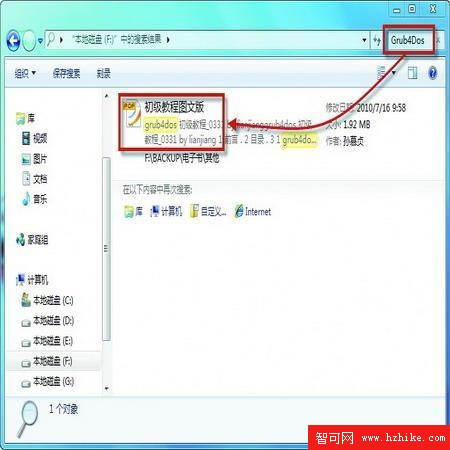
開啟該分區根目錄,在右上角搜尋框輸入關鍵字(如 Grub4DOS),即可即時找出包含該詞的 PDF 檔案。
解決 Win7 安裝輸入序號顯示錯誤 0XC004F061 問題
Windows 7 停用 USB 自動執行阻擋病毒傳播:AutoPlay 不再支援非光學媒體 AutoRun
Windows 7 查看系統安裝日期:CMD 指令 systeminfo 秒查初始安裝時間
Windows 7 專業/企業/旗艦版:如何透過本地安全性原則禁用 EFS 加密
Win7 系統備份還原完整實戰 (中):備份與還原中心自訂備份、系統映像、修復光碟、網路位置備份
Windows 7 睡眠不斷 Wi-Fi:網卡電源管理取消「允許電腦關閉此裝置以節省電源」