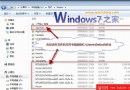
Win7 開機失敗且按 F8 無法進入安全模式時,可用 WinPE (隨身碟/光碟) 進入命令提示字元,執行 bcdedit 修復引導參數恢復開機。
於 WinPE 命令提示字元依序執行:
cd C:\Windows\System32
bcdedit /set {default} osdevice boot
bcdedit /set {default} device boot
bcdedit /set {default} detecthal 1
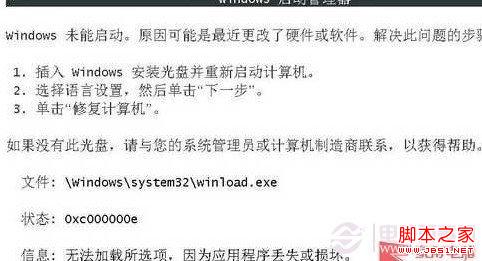
開機出現的錯誤畫面
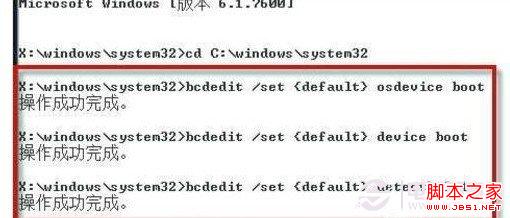
執行 bcdedit 修復後的結果
執行完成重開機,系統應可正常進入。若有重要資料且不想重灌,此法為最佳搶救方案。