啟動 LoL 客戶端報錯「找不到 lol.launcher_tencent.exe」,主因是啟動器檔案遺失或損毀。最快修復法:從另一台正常安裝 LoL 的電腦複製該檔案回原位置。
lol.launcher_tencent.exe 確實不見(搜尋也找不到)。lol.launcher_tencent.exe。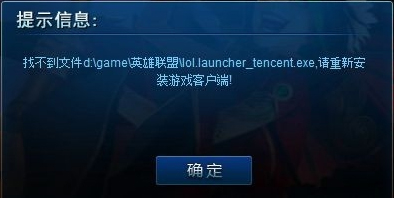
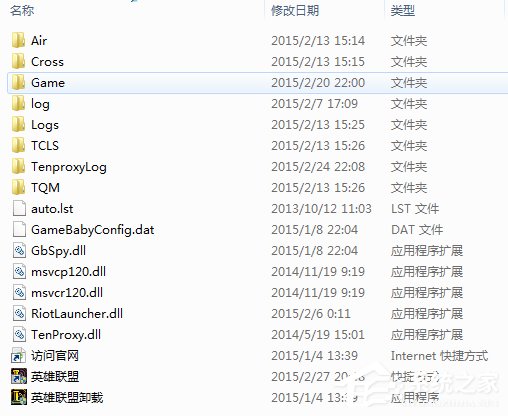
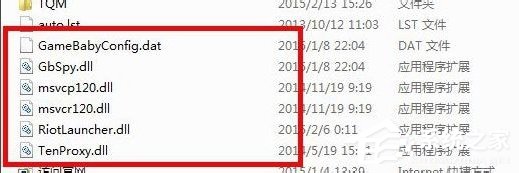

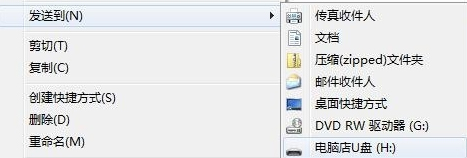
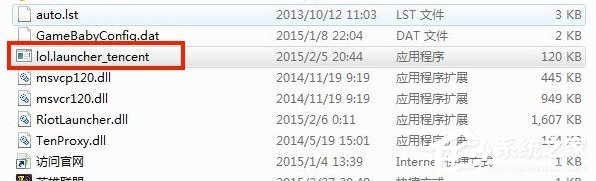
若無他機可用,或複製後仍報錯,僅能重新安裝客戶端。建議平時備份 lol.launcher_tencent.exe 以備不時之需。
Win7 用 360 安全衛士「安全導航」一鍵檢測電腦安全狀態
Win7 系統 DLL 損壞怎麼辦?記錄檔名下載對應版本、批量缺失裝 VC++、單檔用 regsvr32 註冊
調整 Windows 7 系統還原佔用空間:縮減配額或改用一鍵還原釋放磁碟
Win7 寬頻撥號錯誤 651 完整解決方案:驅動、權限、ISP 三步走
電腦反覆彈出「MacDrive 9 Pro」安裝程序?徹底清除殘留的三種方法
Windows 7 安全模式六大實戰用法:系統還原、殺毒、刪除頑固檔、修復故障、恢復設定、解除群組原則鎖定