服務錯誤 1053「服務未及時回應」通常因 TrustedInstaller.exe 路徑錯誤。兩種修復法:
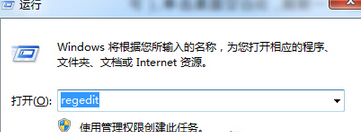
services.msc,查看「Windows Modules Installer」屬性,複製「執行檔路徑」(通常為 C:\Windows\servicing\TrustedInstaller.exe)。regedit,定位 HKEY_LOCAL_MACHINE\SYSTEM\CurrentControlSet\services\TrustedInstaller。ImagePath 鍵值為剛複製的正確路徑。sc config TrustedInstaller binpath= "%SystemRoot%\servicing\TrustedInstaller.exe"
執行後重新開機,服務即可正常啟動/停止。