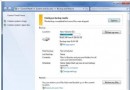
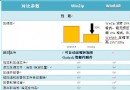
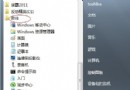
Win7 預設移除傳統「快速啟動」列,改用釘選功能,但許多老用戶仍習慣快速啟動列的便利。本文教您三步驟喚回快速啟動列並調整至左下角,移除文字標籤讓圖示更緊湊。
%UserProfile%\AppData\Roaming\Microsoft\Internet Explorer\Quick Launch → 「選取資料夾」。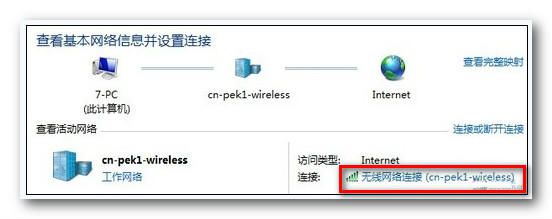
完成後即擁有傳統快速啟動列體驗,常用程式一鍵啟動,操作效率大增。
Windows 7 六大安全秘技:BitLocker To Go、IE8 防護、MSE、AppLocker、UAC 分級、備份還原
迎接 Windows 7:應用程式優化與新特性完整指南(超級工作列、程式庫、觸控等)
Win7 取消提示「您要允許以下程式對此電腦進行變更嗎」的方法
XP 升級 Win7 後看影片/聽音樂出現雜音 註冊表關閉 MMCSS 解決方案
Win7 播放 SWF 檔案出錯?啟用 IE「本機電腦區域鎖定」允許所有程序執行
Win7 黑屏 (桌面消失僅剩滑鼠) 急救與預防:工作管理器新建任務下載修復工具、離線更新補丁/360 選擇性更新避免黑屏