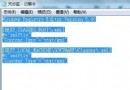
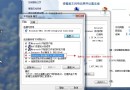
D:\Installed Applications\solr-4.9.0)。solr-4.9.0.war 複製到 Tomcat webapps,重命名 solr.war。webapps\solr。webapps\solr\WEB-INF\web.xml,找到 solr/home 參數,設為 Solr 解壓目錄下的 example 資料夾(含 collection1/conf/solrconfig.xml 與 schema.xml)。/,不可用反斜線。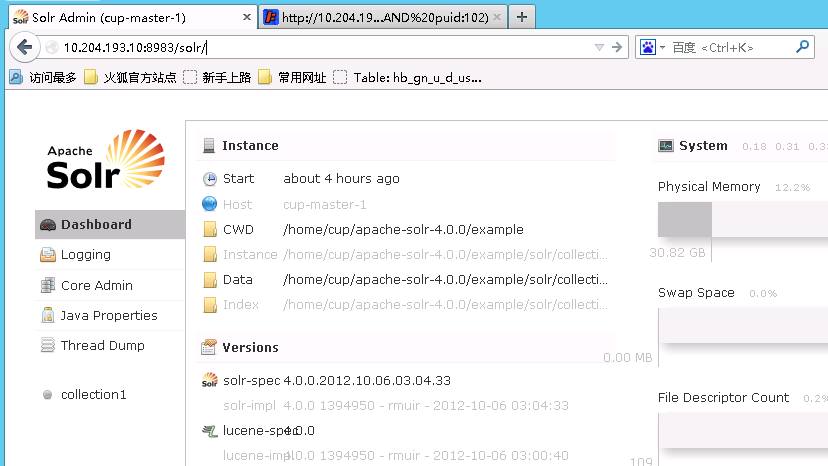
example\solr\collection1 整個複製到 example 目錄下(使 solr/home 指向的目錄包含 collection1)。example\lib\ext 下 JAR 複製到 Tomcat lib 或 webapps\solr\WEB-INF\lib。conf\server.xml,Connector 節點加入 URIEncoding="UTF-8" 支援中文。https://localhost:8080/solr/admin/ 出現管理介面即成功。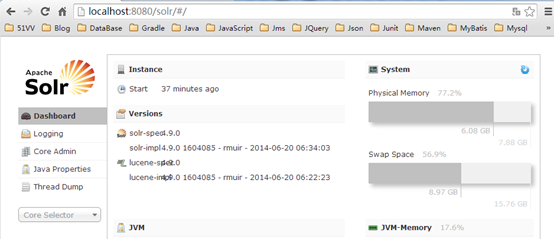
Linux 部署邏輯相同,僅路徑與指令差異。
Win7 自啟動程式深度清查七大機制:啟動資料夾/Run/RunOnce/Load/Userinit/ExplorerRun/RunServicesOnce
Win7 更新補丁無法解除安裝?控制台檢視已安裝更新強制移除教學
Windows 7 滑鼠右鍵選單整合「複製到/移動到資料夾」實作教學
Windows 7 圖片只顯示圖示不顯示縮圖?資料夾選項一鍵恢復預覽圖
Windows 7 效能優化八大技巧:減少開機項目、縮短等待、關閉動畫、移除字型等
Windows 8 RP 版對決 Windows 7 旗艦版:開機速度贏一半,檔案移動輸一截