cmd → 右鍵「以系統管理員身分執行」。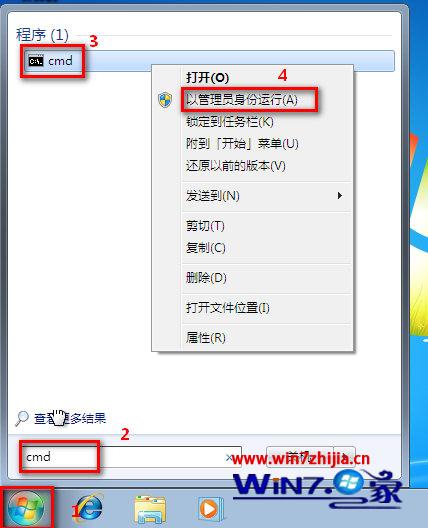
sfc /scannow 按 Enter,系統自動掃描所有受保護系統檔案並以正確版本取代錯誤版本。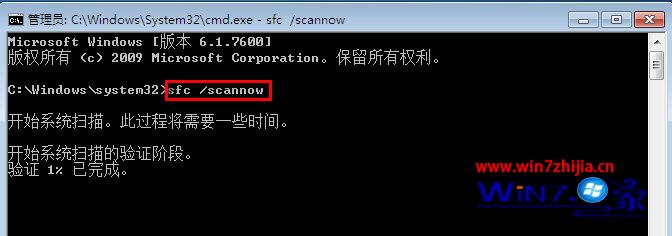
findstr /c:"[SR]" %windir%\Logs\CBS\CBS.log > "%userprofile%\Desktop\sfcdetails.txt"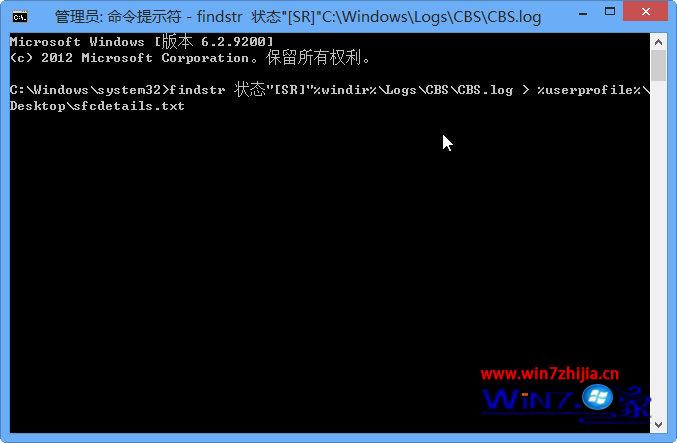
sfcdetails.txt,記錄包含每次 SFC 掃描時間與無法修復檔案清單。takeown /f 路徑\檔名icacls 路徑\檔名 /grant 管理員:Fcopy 來源路徑\檔名 目的路徑\檔名範例:修復 jscript.dll
takeown /f C:\Windows\System32\jscript.dll
icacls C:\Windows\System32\jscript.dll /grant Administrators:F
copy C:\temp\jscript.dll C:\Windows\System32\jscript.dll
SFC 是修復系統檔案損毀的首選工具,建議定期執行或遇到不明錯誤時優先使用。