Windows XP Windows 7 Windows 2003 Windows Vista Windows 綜合教學 Linux 系統教學
Windows 10 Windows 8 Windows 2008 Windows NT Windows Server 電腦軟體教學

Vista 升級 Win7 陷入無限重開機循環?Vista 光碟修復開機磁區解決

編輯:Windows 7 系統介紹

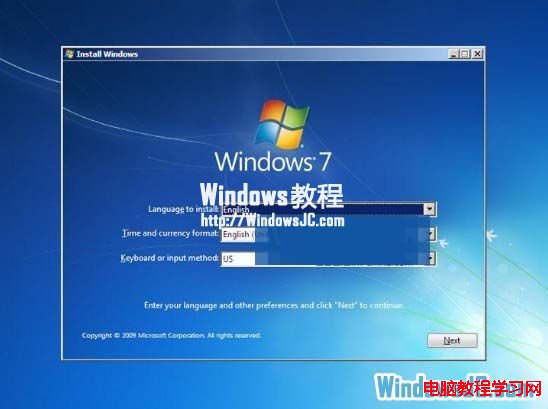
Vista 升級 Win7 失敗導致無限重開機,微軟提供臨時解決方案:使用 Vista 安裝光碟修復開機磁區(Bootsect.exe)恢復 Vista 開機。

錯誤現象

升級程式提示:
"This version of Windows could not be installed, Your previous version of Windows has been restored, and you can continue to use it."

修復步驟

  1. 放入 Windows Vista 安裝光碟。
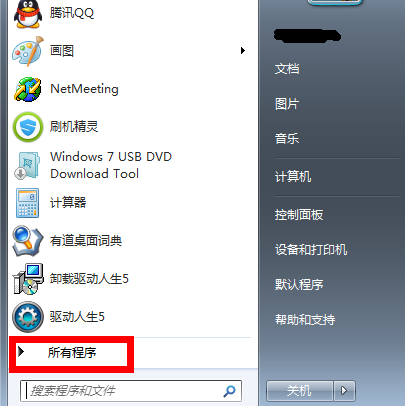
  2. 「開始」→「所有程式」→「附屬應用程式」→「命令提示字元」→ 右鍵「以系統管理員身分執行」。
  3. 輸入指令(假設光碟機代號 D:):
    D:\boot\Bootsect.exe /NT60 All
  4. 重新開機,系統應恢復 Vista 正常開機。

Vista 升級失敗錯誤訊息

原理:Bootsect.exe /NT60 All 將所有分區的開機磁區更新為 Vista 相容的 NT6.0 版本(Win7 為 NT6.1),修復被升級程式損壞的開機配置資料 (BCD)。

Copyright © Windows教程網 All Rights Reserved