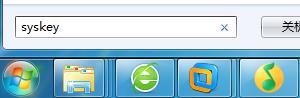
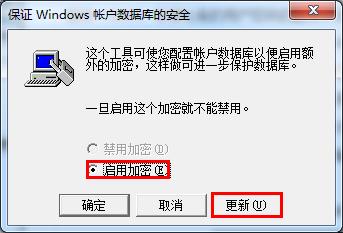
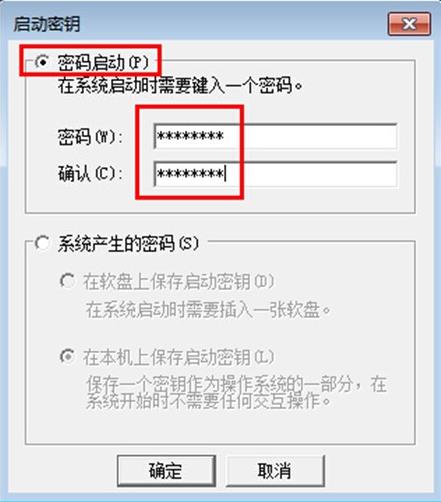
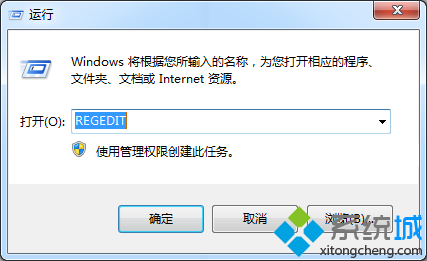
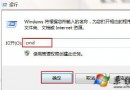
Win7 內建 SysKey (系統金鑰) 可為 SAM 帳戶資料庫加密,並要求開機時輸入密碼或攜帶 USB 金鑰,提升實體存取安全性。
syskey
⚠ 重要風險提醒: • 遺失密碼將無法開機進入系統,無後門可破解 • 建議先建立系統修復光碟/USB 或完整備份 • 企業環境請由 IT 管理員統一管理金鑰 • 選擇「儲存金鑰至軟碟/USB」模式時,開機必須插入該裝置
Win7 無線滑鼠停頓同樣是「USB 選擇性暫停」惹的禍,關閉即可解決
Windows 7 筆電工作列電源圖示消失的修復方法
Windows 7 透過群組原則停用內建 Administrator 帳號
Win7 工作列取消合併同類按鈕,顯示完整標籤
Win7 記事本開啟亂碼?區域語言設定改為「英語 (英國)」修復教學
Win7 關閉開機動畫讓開機更快:msconfig 無 GUI 開機圖文教學
Win7 滑鼠右鍵選單美化:自訂背景圖片完整教學 (魔方美化大師)
Win7 搜尋功能失效怎麼辦?快速修復教學