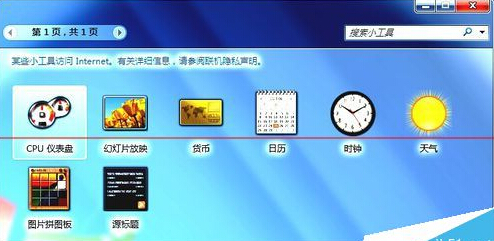
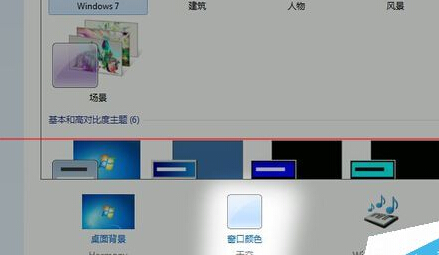
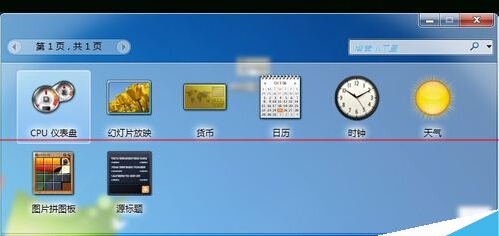
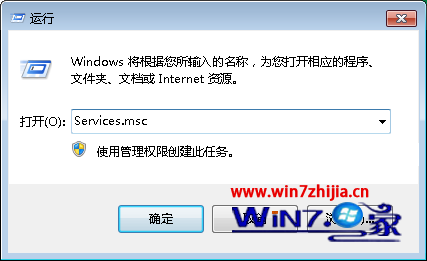
啟用 Aero 毛玻璃效果後視窗出現嚴重反光/眩光傷眼,可透過切換視窗主題強制重置 DWM (桌面視窗管理器) 修復渲染異常。
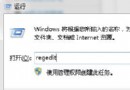
此為 DWM 渲染狀態異常,切換主題強制重繪可修復。若仍異常,檢查顯卡驅動是否為最新版,或執行 sfc /scannow 修復系統檔案。
sfc /scannow
小心!Windows 7 十大絕對不能關閉的系統服務
Windows 7 常用執行指令大全:45 個必備指令快速存取系統工具
Win7 機殼前置面板耳機無聲音完整排查指南
Windows 7 反盜版驗證更新 (KB971033) 抵達:64 位元版優先,盜版用戶將受限
Windows 7 功能組件妙用:「診斷與修復」系統自我療傷,操作中心紅旗提示一鍵排障
Win7 開不了機?排查硬碟供電、盜版未啟動、休眠殘留三大常見原因
探秘 Windows 7 內建防火牆:革命性改進、多網路設定檔、進階安全、連線安全規則、Netsh 新指令
Win7 玩 LOL 跳出「憑證過期」?關閉 IE 兩項檢查即時解決