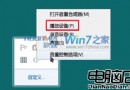
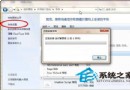
透過「開啟或關閉 Windows 功能」移除 IIS。
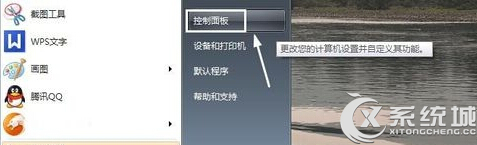
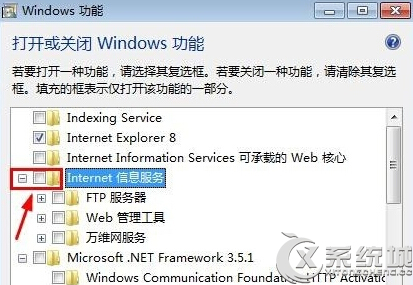
移除後 IIS 服務即停用,不再佔用系統資源。
Win7 開機 lsass.exe 錯誤修復:替換系統檔、全盤掃毒、系統急救箱三步驟
盜版 Windows 7 「閃」現中關村:50 元超簡裝光碟含激活補丁,工商稱微軟未申請打假
自訂 Windows 7 系統聲音:控制台硬體與音效更換開機/關機/提示音,天天好心情
繞過版本檢查:Windows 7 RC (7100) 直接升級 RTM (7600) 兩步驟修改法
Win7 ADSL/路由器撥號上網完整設定:有線分享器與單機 PPPoE 兩種模式
Win7 關閉視窗拖曳至螢幕邊緣自動佔半螢幕 (Aero Snap) 功能
Win7 群組原則 8 大實用技巧:隱藏磁碟、顯示「執行」、關閉氣球提示、密碼鎖定、重命名 Administrator 等