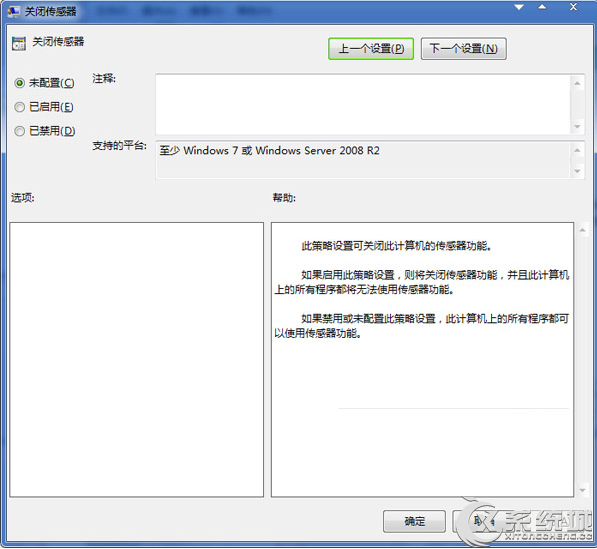
筆電內建感應器(如環境光、加速度計)若不需使用,可透過群組原則停用以節省資源。
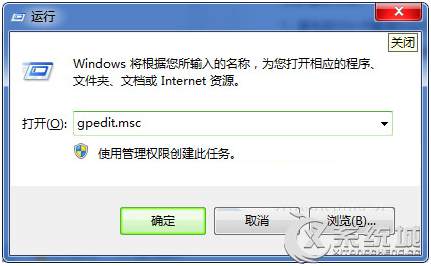
gpedit.msc
設定生效後,感應器相關功能將被停用。若需恢復,將該項改為「未設定」或「已停用」即可。
Win7 修改 Chrome 快取目錄:mklink 符號連結導向虛擬硬碟/其他磁碟
Win7 旗艦版如何停用智慧卡服務?組策略禁用四項相關服務教學
Win7 系統四大不可關閉的關鍵後台服務,關閉將導致無法上網
解決 Windows 7 筆電開機顯示 "Invalid system disk" 錯誤
Win7 插入 USB 裝置不彈出自動播放視窗?其實是預設隱藏空磁碟機
Windows 7 C 槽空間不足?安全清理可刪除檔案與資料夾完整清單
解決 Windows 7 資料夾隱藏屬性無法修改:attrib 指令與批次檔雙管齊下
一鍵產生 Windows 7/Vista 系統健康報告:perfmon /report 60 秒完整輸出硬軟體資訊