Windows XP Windows 7 Windows 2003 Windows Vista Windows 綜合教學 Linux 系統教學
Windows 10 Windows 8 Windows 2008 Windows NT Windows Server 電腦軟體教學

Windows 登錄被鎖定?三大解鎖技巧輕鬆恢復編輯權限

編輯:Windows 7 系統介紹

登錄編輯器被禁用(可能由病毒、群組原則或誤操作導致),提供三種解鎖方案:

方法一:匯入 .reg 檔案

記事本建立文字檔,存為 unlock.reg,內容如下:

Windows Registry Editor Version 5.00
[HKEY_CURRENT_USER\Software\Microsoft\Windows\CurrentVersion\Policies\System]
"DisableRegistryTools"=dword:00000000

雙擊匯入即可。

方法二:HTML 檔案繞過限制

將上述登錄碼存為 .htm 檔,以瀏覽器開啟並允許執行,同樣可修改登錄。

方法三:群組原則編輯器(適用 Win2000/XP/2003/Win7/Win8)

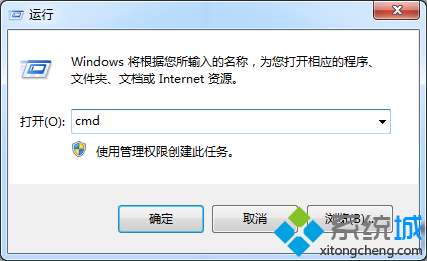
  1. 執行 gpedit.msc。
  2. 依序展開「使用者設定」→「系統管理範本」→「系統」。
  3. 雙擊「防止存取登錄編輯工具」,設為「已停用」或「未設定」。
  4. 確定並重新登入生效。

若方法三無法開啟 gpedit.msc,請優先嘗試方法一或二。建議事後掃毒並檢查群組原則是否被惡意修改。

Copyright © Windows教程網 All Rights Reserved