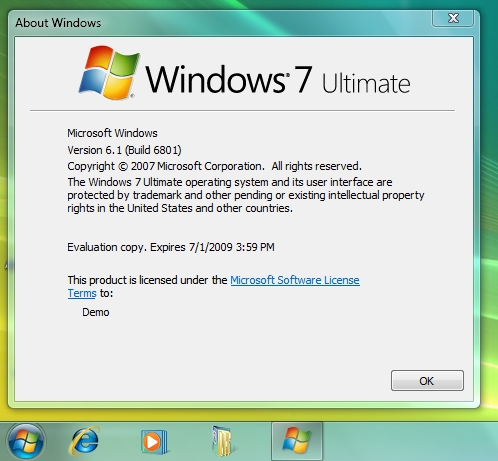
PDC 演示的 Superbar 在 Build 6801 預設隱藏,Rafael Rivera 發現啟用條件:必須為特定網域有效用戶 (wingroup.windeploy.ntdev.microsoft.com、ntdev.corp.microsoft.com、redmond.corp.microsoft.com) 且用戶名稱前綴為 a- (臨時員工) 或 v- (外包廠商)。
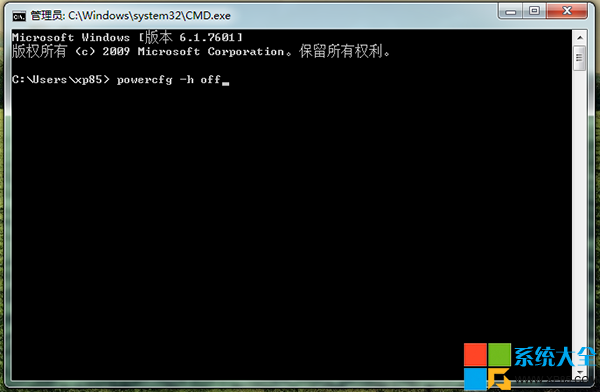
下載 unlockProtectedFeatures.exe (x86/x64),複製至 Windows 目錄,管理員權限命令列執行:
takeown /f %windir%\explorer.exe
cacls %windir%\explorer.exe /E /G MyUserName:F
taskkill /im explorer.exe /f
start unlockProtectedFeatures.exe
即可看到全新任務列。操作替換系統檔案,風險自負。