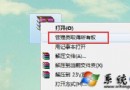
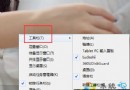
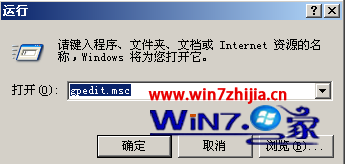
Win7 麥克風即時回音 (監聽) 功能位於「錄音裝置」屬性的「收聽」索引標籤。
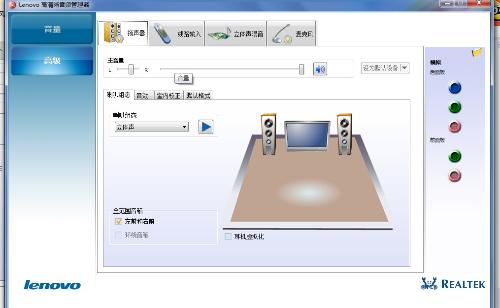
關閉:同路徑取消勾選即可。音量調整:「層級」索引標籤調整麥克風增益與音量。
Windows 7 桌面小工具新增與管理:右鍵選單一鍵開啟,相容 Vista 側邊欄工具
關閉 Windows 7 開機啟動畫面(GUI Boot)加快啟動速度
Win7 桌面提示「此 Windows 副本不是正版」建議:還原系統+關閉更新+第三方補丁,勿盲目激活
Win7 修改群組原則禁用更新後自動重開機:No auto-restart with logged on users
Windows 7 核心組件中國造:MSXML、WDAC 由微軟亞洲工程院主導開發
Windows 7 技巧影片:《溫七俠之軟體跟我走》攜帶軟體設定隨身行