Windows 7 SP1 安裝全攻略:官方管道、手動準備、常見錯誤對策
Win7 AMD 顯示卡遊戲無法全螢幕?登錄表修復 Scaling 值解決
Win 7 + XP 雙系統安裝全攻略:三大方案(Win7裝XP、XP裝Win7、獨立雙系統)
Windows 修改 Hosts 檔案完整指南:位置、編輯方法、四大實用場景
解鎖 Win7「上帝模式」:一個資料夾掌控 272 項系統設定
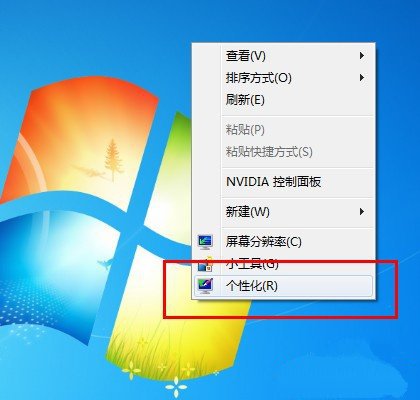
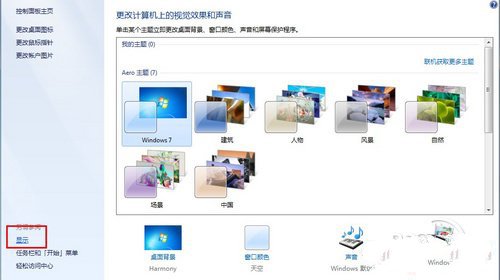
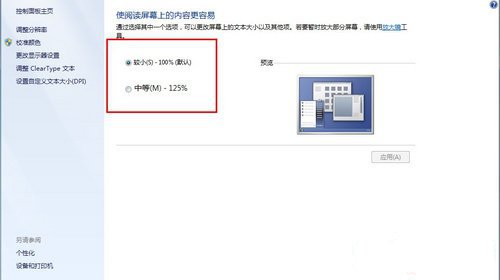
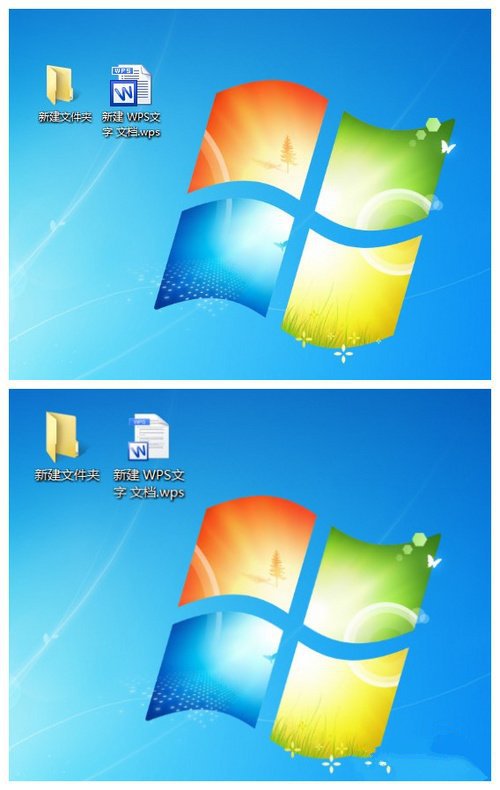
Win7 桌面圖標變白色/空白?三大修復法與圖示快取優化技巧
Win7 開機太慢?msconfig 優化啟動項、引導等待、CPU 核心數加速開機
Windows 7 工作列屬性完整設定指南:外觀、通知區域與 Aero Peek