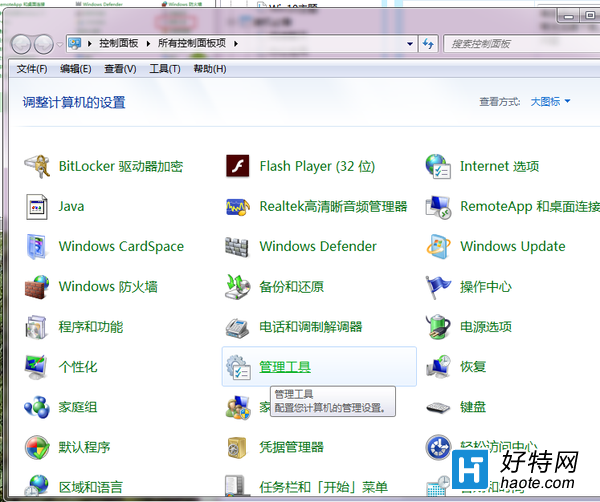
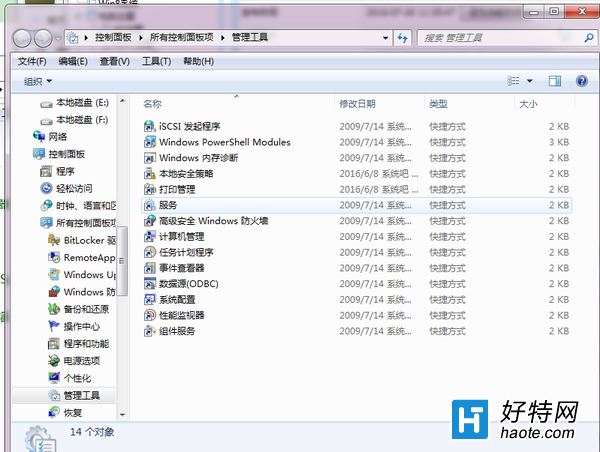
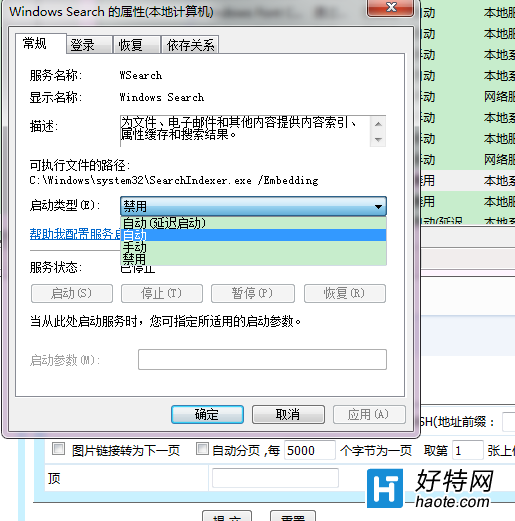
Win10 開始選單搜尋無法顯示已安裝應用,通常是 Windows Search 服務異常。
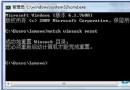
若仍異常,可在「索引選項」中重建索引,或執行 sfc /scannow 修復系統檔案。
sfc /scannow
Win10 註冊表關閉任務列視窗預覽:ExtendedUIHoverTime 與 NumThumbnails 兩值雙重阻擋
Win10 Modern/UWP 應用程式閃退修復:PowerShell 重新註冊所有應用
Win10 刪除休眠檔案 hiberfil.sys 釋放 C 槽空間:關閉休眠功能指令
Win10 KB3132372 補丁導致瀏覽器崩潰?控制台「檢視已安裝更新」中右鍵解除安裝
Windows 10 變更 IE 快取資料夾位置釋放系統碟空間教學
Win10 秋季創意者更新 16215 版新功能詳細解析
Win10 如何取消開機密碼?兩種自動登入設定法圖文詳解
Win10 Windows Update 無法安裝:SSD 啟用壓縮導致,安裝 KB3025096 修復