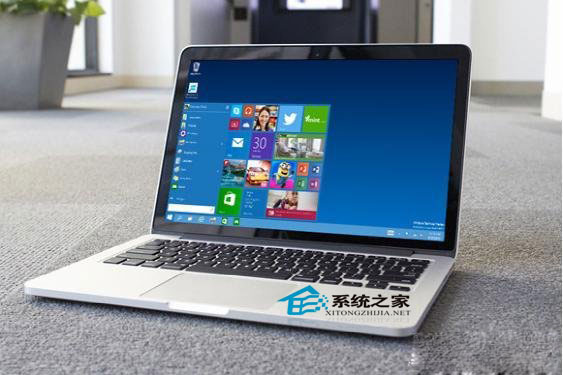
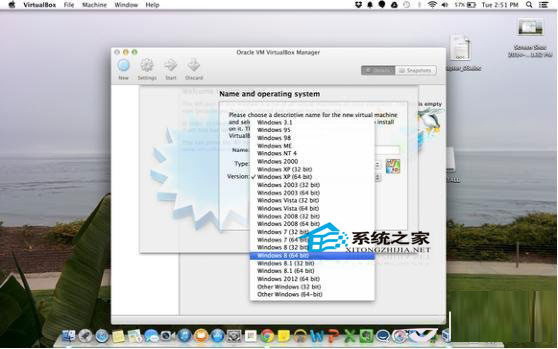
Mac 使用者可透過虛擬機 (Parallels Desktop、VMware Fusion、VirtualBox) 或 Boot Camp 安裝 Windows 10。
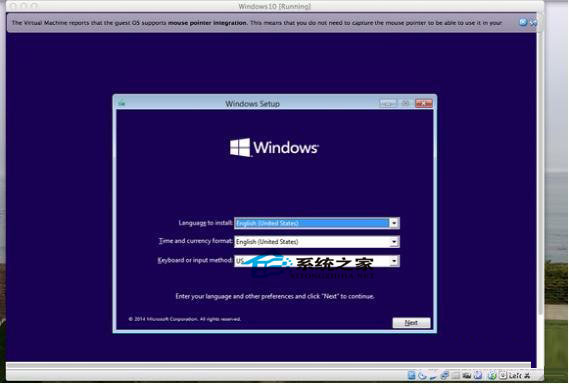
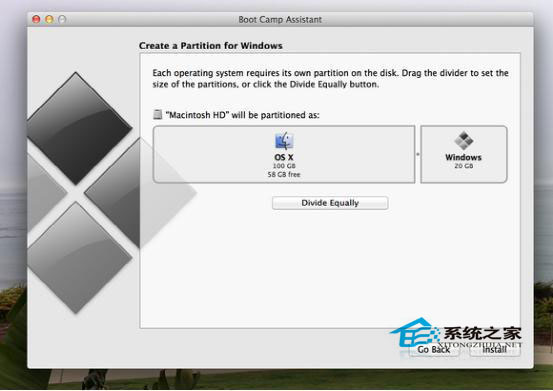
兩種方案相容性皆佳,依需求選擇。
升級 Win10 後 VirtualBox 無法啟動?升級至 5.0 版即可相容
Microsoft Edge 瀏覽器深度體驗:能否成功取代 IE 成為新一代主流?
Windows 10 快速工作切換教學 (任務檢視按鈕、Win+Tab 快捷鍵、觸控滑動)
Win10 提示遺失 libcurl.dll?從同版本系統複製檔案至 System32/SysWOW64 並用 regsvr32 註冊即可修復
免費升級 Win10 並自動永久啟用:利用 Win7/8.1 正版授權升級法
Win10旗艦Lumia 950後置鏡頭似光碟設計 機身沿用Lumia 640風格
Windows 10 擴充 C 槽空間:Acronis Disk Director 11 Home 圖形化操作
Win10 10061 發布但暫時無法升級:內部員工可安裝,外部用戶收到通知卻報錯,版本號 10.0.10061.0.fbl_impressive.150410-2039