若您透過 PowerShell 指令移除了 Microsoft Store (應用商店),導致無法下載更新 UWP 應用,請嘗試以下三種恢復方案,由易到難:
「設定」→「帳戶」→「您的資訊」→「改以本機帳號登入」→ 重新登入後 Store 可能自動重建。
Windows Update 執行累積更新時會檢測並修復缺失的系統元件 (含 Store)。若急需可手動「檢查更新」或暫時解除安裝最近的品質更新再重新檢查。
C:\Program Files\WindowsApps\ 確認實際資料夾名稱):Add-AppxPackage -Register "C:\Program Files\WindowsApps\Microsoft.WindowsStore_2015.7.22.0_x64__8wekyb3d8bbwe\AppxManifest.xml" -DisableDevelopmentMode
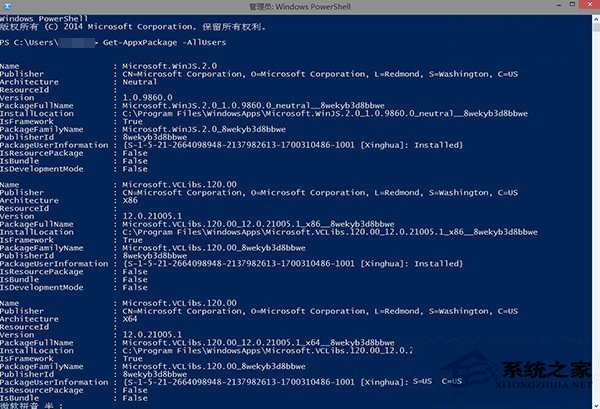
核心提示: Store 移除與恢復皆依賴 PowerShell,建議非必要勿移除系統預裝 UWP 應用,改用「關閉自動更新」或「隱藏圖示」替代。