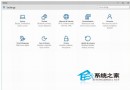
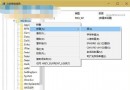
Win10 桌面回收站右鍵選單無「刪除」選項,僅能「清空」、「重新命名」、「內容」。若想簡潔桌面,可透過「個人化」→「主題」→「桌面圖示設定」取消勾選「回收站」即可隱藏。需時再勾選即恢復。
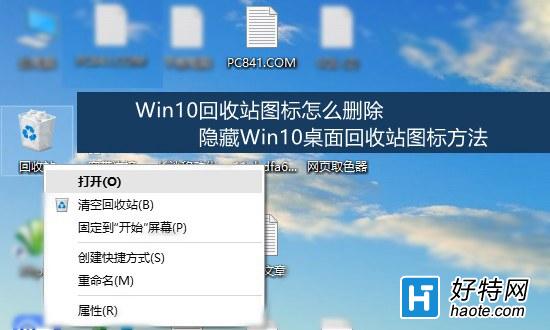
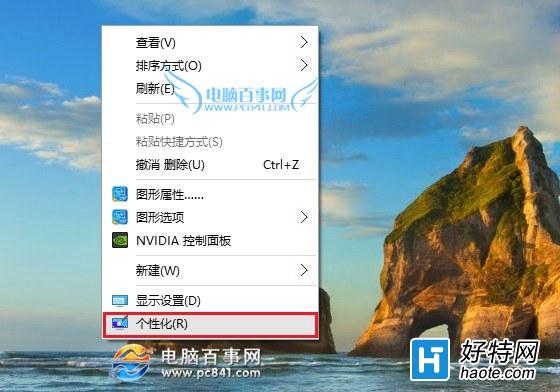
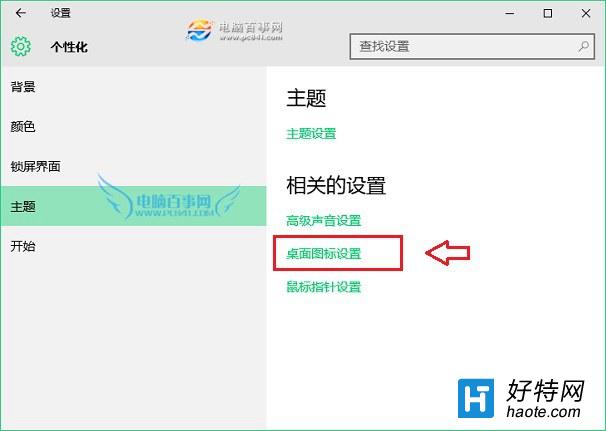
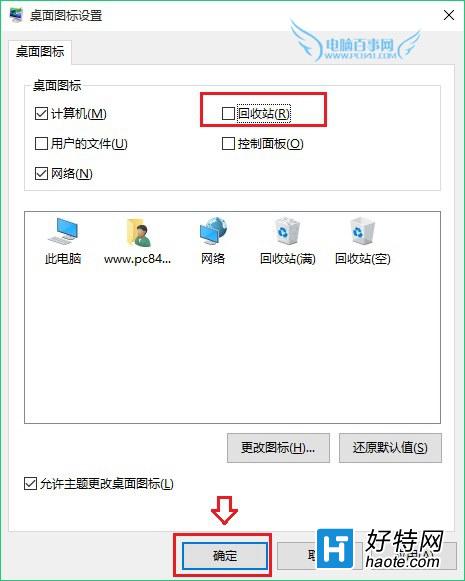
此法僅隱藏桌面捷徑,不影響回收站功能。同樣適用於電腦、網路、控制台等系統圖示。
Win10 小喇叭右鍵選單沒有「開啟音量混合器」?啟用播放裝置「揚聲器」或聲卡裝置即可恢復
Win10 卸載內建應用程式:PowerShell 一鍵移除當前/所有使用者/系統預裝 App,含應用商店同步刪除風險提醒
Windows 10 企業版 10176 KMS 激活指令與 GVLK 金鑰對照表
外媒:微軟已修復 Win10 應用程式內購系統故障,《我的世界》購買項目恢復正常
Win10 任務管理員出現 Windows Modules Installer Worker 高 CPU/磁碟佔用?屬正常系統維護進程,勿禁用