Win10 預設瀏覽器為 Microsoft Edge,IE 仍內建可用。三種開啟方式:
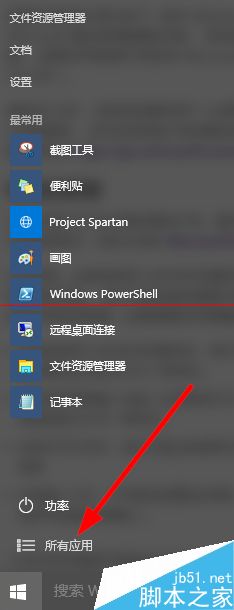
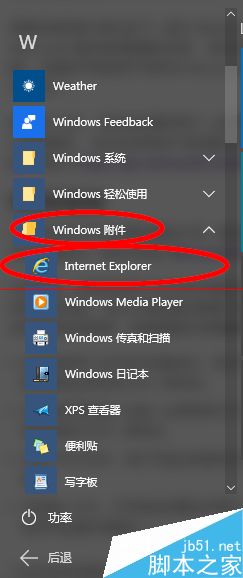
方法一:所有應用清單
- 開始選單 > 「所有應用」。
- 展開「Windows 配件」,IE 即在其中。
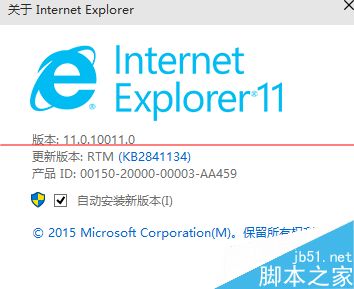
- 版本為 IE11。
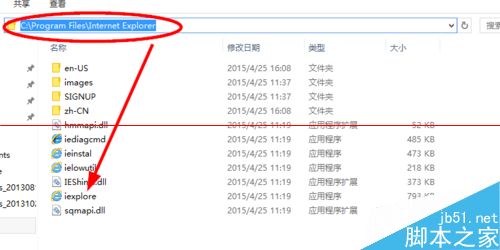
方法二:安裝目錄
- 瀏覽至
C:\Program Files\Internet Explorer,執行 iexplore.exe。
方法三:從 Edge 開啟
- Edge 瀏覽網頁時,點擊右上角
... 選單。
- 選擇「使用 Internet Explorer 開啟」。


其他方式將持續補充。