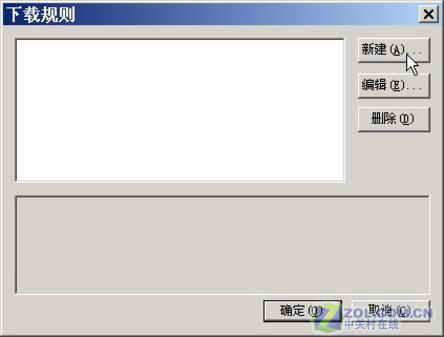
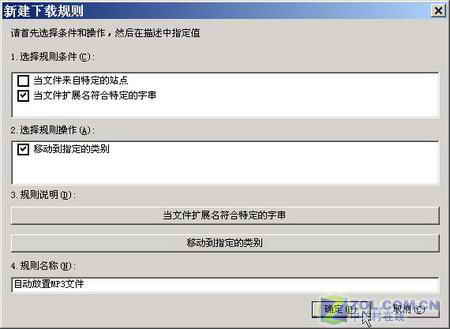
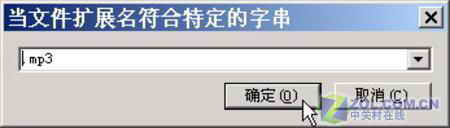
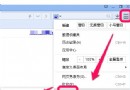
.mp3
以後下載 .mp3 檔自動歸入該資料夾,查找極便利。
右鍵「已下載」→「新增分類」建立多資料夾,再對應建立多規則 (如 .jpg→圖片、.exe→軟體),實現全自動分類。
IE 自動完成下拉框刪除單筆紀錄:游標選中按 Delete 秒清
FlashGet 三大隱藏功能:批次下載、排程任務、記憶分類
FoxMail 遺忘密碼四招破解:刪除設定檔、十六進位修改、專用清除工具、手動清空加密碼
解除安裝 IE7 後開機提示「找不到 iertutil.dll」無法進入系統?PE 環境補檔並註冊
微信不顯示圖片怎麼辦?清理存儲空間無效,重裝微信秒解決
迅雷下載導致硬碟掉盤/卡機?檢查記憶體、更換 SATA 線、西數綠盤打補丁
快的打車如何綁定支付寶付款?註冊登入→設定→綁定支付寶完整圖文
Windows Live Messenger 登入錯誤 80048xx 解決:檢查服務狀態、清除本地憑證