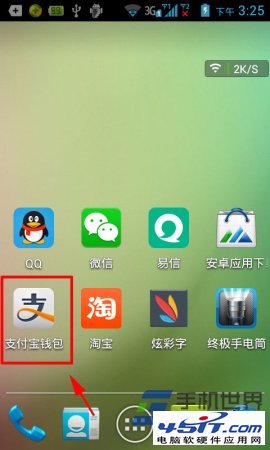
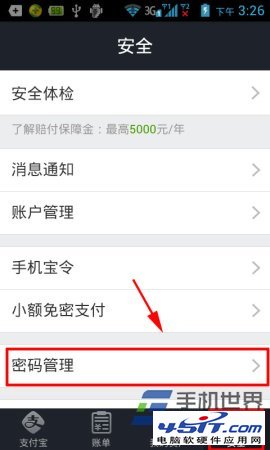
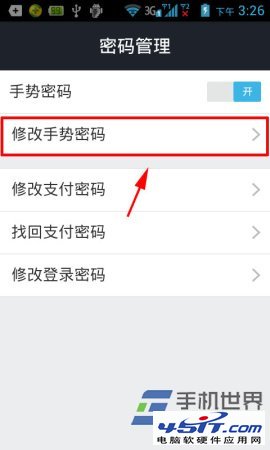
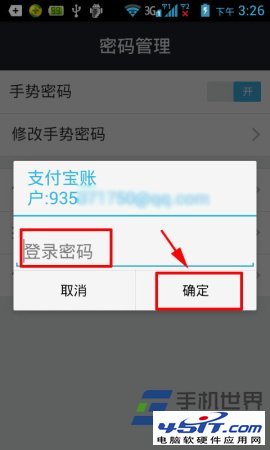
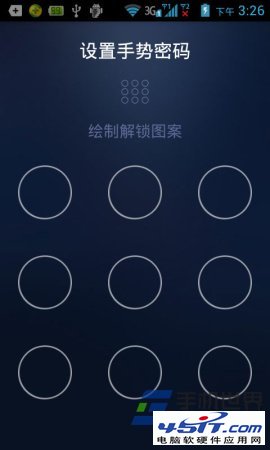
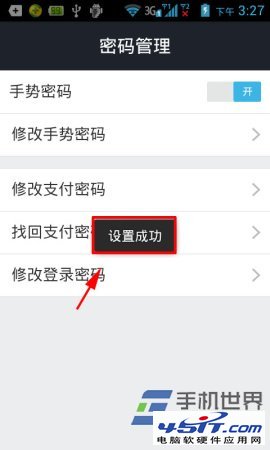
支付寶 App 修改手勢密碼:
手勢密碼作為快捷驗證方式,建議設定不易猜測的圖案。
新浪微博發不了音樂?兩大替代方案:直接發鏈接/網站分享按鈕,支援蝦米/網易雲/酷狗等正版庫
網路尖兵原理與 4 種破解繞過方案詳解
五大手機瀏覽器看視頻橫評:獵豹最強、360 無自有播放器、清晰度選擇成關鍵
無法顯示網頁動態 Java 圖表的解決方法
自訂 IE 暫存資料夾大小:加速重複瀏覽、節省磁碟空間
酷盤 Kanbox 雲端儲存進階技巧:擴容與選擇性同步
Maxthon 快捷組三大小技:單一連結開啟、啟動自動開最愛、追加網址到既有組
百度雲網頁版怎麼線上看影片?無需外掛直播雲播放教學