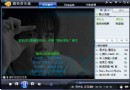
暴風影音內嵌廣告影響體驗,簡單兩步徹底去除:
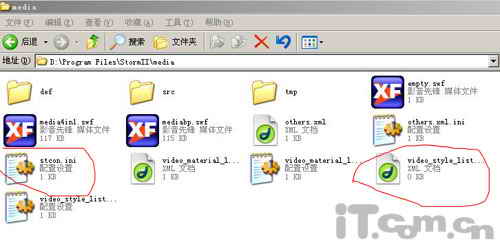
StormII\media
video_style_list.xml
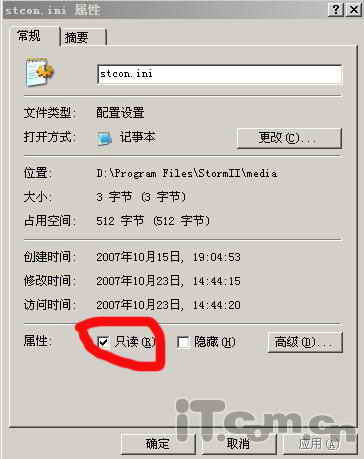
stcon.ini
原理:播放器從 stcon.ini 讀取廣告資訊,清空並鎖定寫入即永久屏蔽。
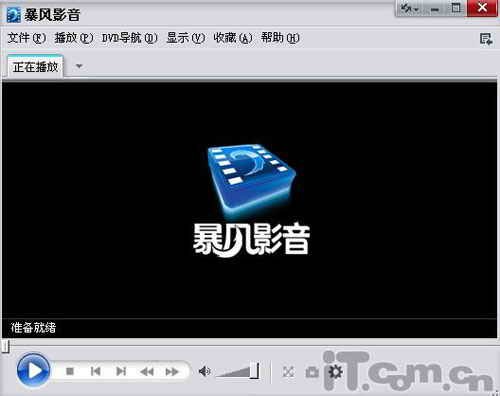
享受無廣告純淨播放介面。
iTunes 安裝失敗?刪除舊版殘留資料夾 C:\Program Files\iTunes 即可解決
AutoCAD 工具列消失急救:MENU 指令載入選單檔、複製正常電腦選單檔、設定預設路徑
QQ音樂下載歌曲完整教程:從搜尋到本地保存
AutoCAD 應用技巧 44 例:BLIPMODE、CMDDIA、PELLIPSE、CMDECHO、DIMSCALE、BREAK、TXTEXP、ARCTEXT、MPEDIT、IMAGE、命令縮寫、ACAD.pgp、ACAD.dwt、LISP、二次開發、VIEWRES、PURGE、幫助文件、選單漢化、ESC/Ctrl+C、TRIMR FENCE、圖層快速切換、存檔格式、RECOVER、代碼頁轉換
PDF 轉 MOBI 格式教程:Mobipocket Creator 完整操作指南
MediaCoder 免費音視訊批量轉碼神器:MEncoder/MPlayer 核心、全格式支援、專業參數控制
RealPlayer 提高 CD 抓取/轉換速度技巧:啟用快速編碼佔用 CPU 最高優先級
iTunes 啟動報錯 AppleMobileDeviceHelper.exe APPCRASH 解決:管理員重裝大法