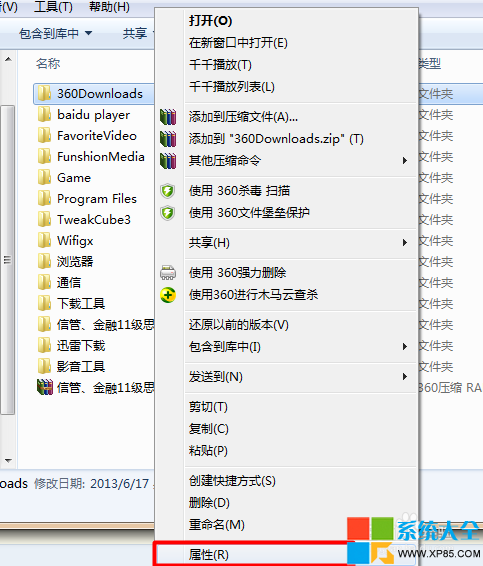
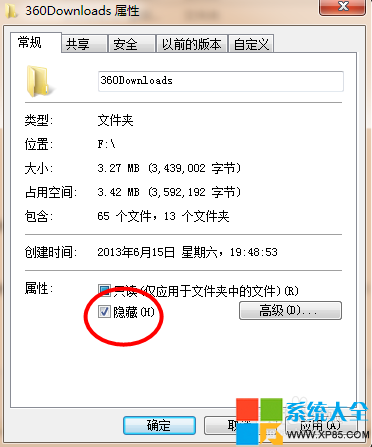
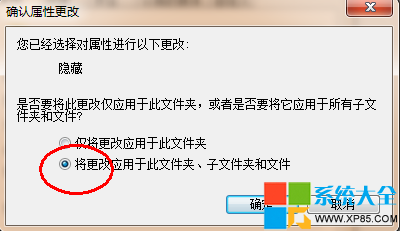
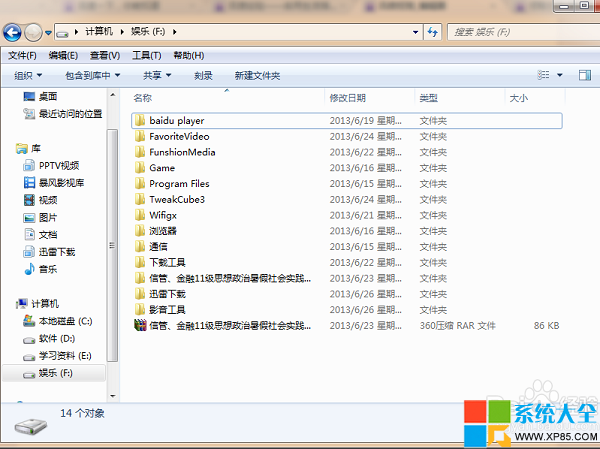
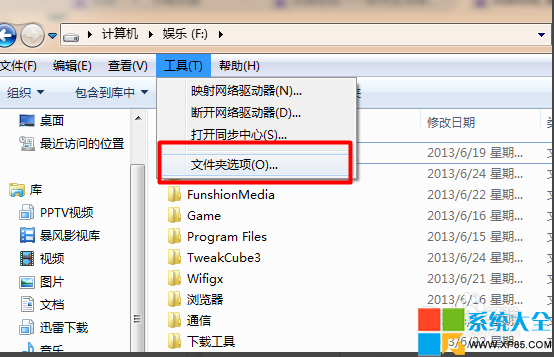
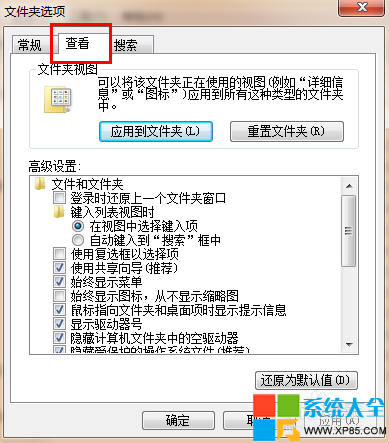
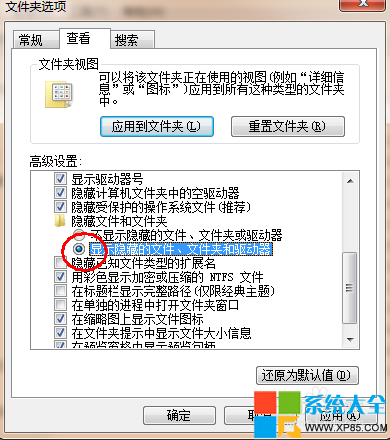
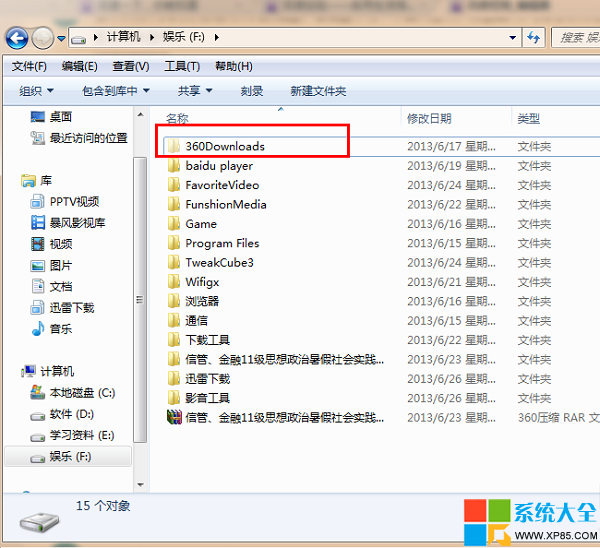
個人隱私檔案不想被他人看見,用系統內建隱藏屬性:
簡單有效,非加密但足應付一般偷窺。
批次浮水印大師使用教學:一鍵為大量圖片加入文字/圖片浮水印
AdSafe 淨網大師設定開機自啟三法:影片去廣告不再需重新整理
LOL 千珏免費皮膚獲取攻略:微信投票贏「黯焰雙魂 千珏」非期限皮膚
霧霾防護指南:人生日歷 App 即時空氣品質指數 + 生活減霾 8 大行動
吉吉影音使用教程:從安裝到視頻發布全流程
LOL皮膚查詢官方工具:一鍵查看帳號擁有皮膚並支援直接購買
合金裝備5幻痛第28關「骷髏狙擊手」通關攻略:派遣S++戰鬥員輕松過關
文件保護精靈使用教程:密碼保護隱私文件、防止數據泄露