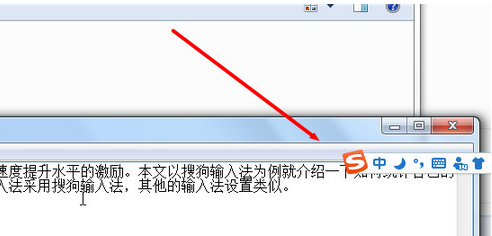
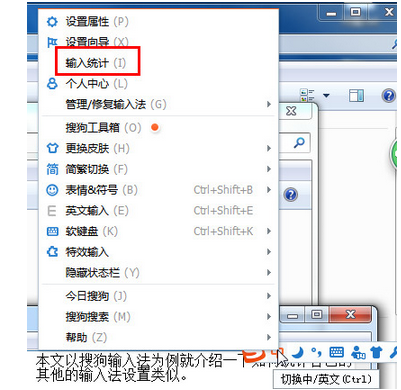
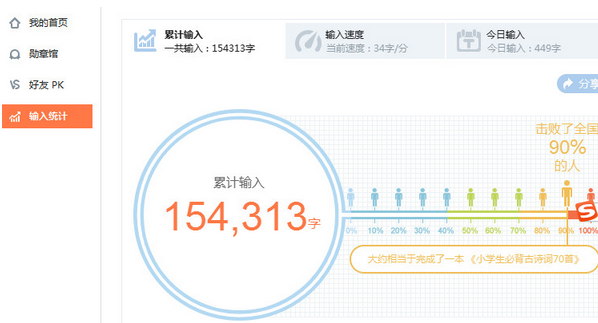
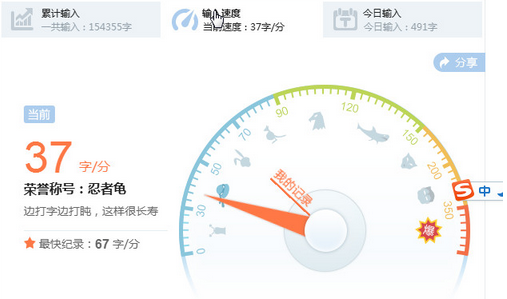
想知道自己打字多快?搜狗輸入法內建統計:
量化打字水平,練習提速有依據。
FinalData 超級資料恢復:找回徹底刪除照片三步驟教學
百度傳課 KK 加好友教學:精確/條件查找、發送驗證、加群同步驟
《天涯明月刀》七夕活動「五張畫卷」座標大全:最快路線一次跑完
我的世界故事模式存檔位置詳解:如何備份、刪除與自動存檔機制
DNF 萬聖節神秘獎勵禮盒:暴擊巨型南瓜妖得、開出強化/增幅券或深淵邀請函
魯大師一鍵優化:標準模式與專業模式差異詳解
微信視頻聊天如何美顏?兩大替代方案:光線佈局技巧 + 改用 QQ 視頻內建美顏
最終幻想零式HD第一章BOSS「達因斯雷夫」通關攻略:兩階段機制與角色選擇