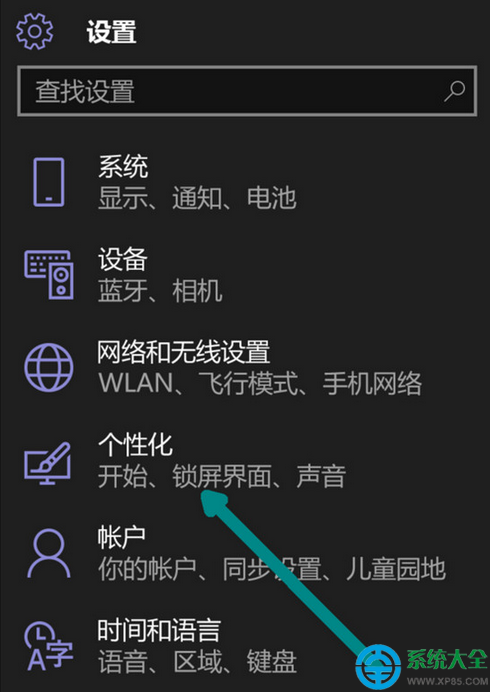
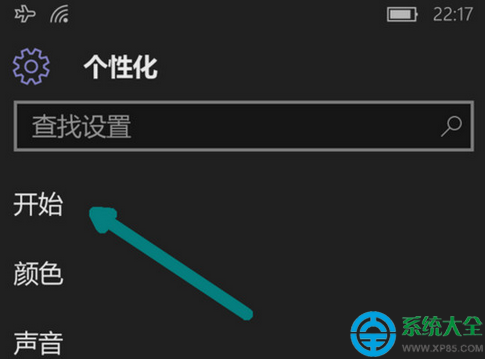
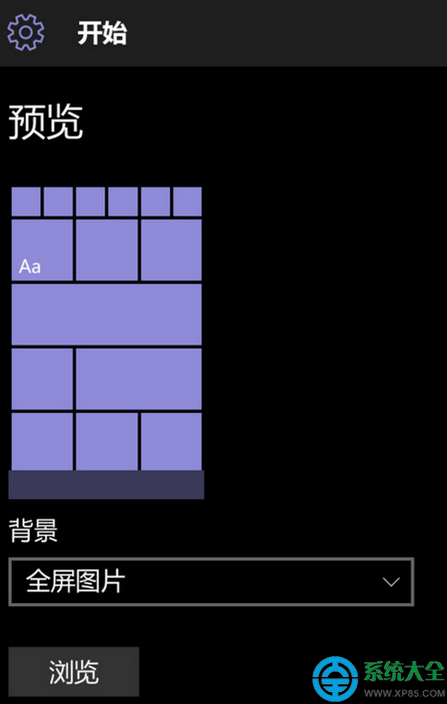
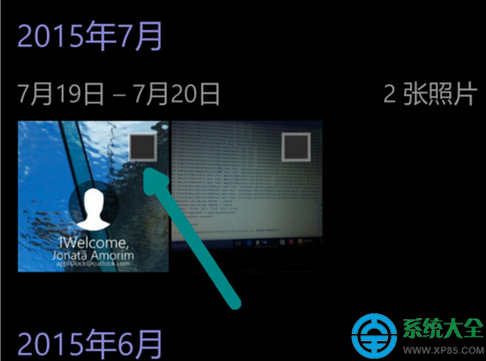
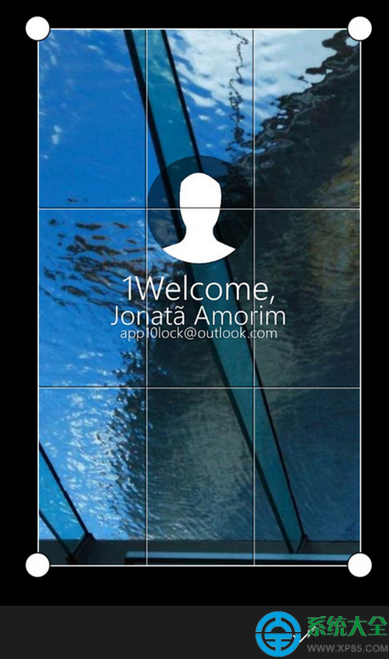
WP 系統更換開始菜單背景步驟:
簡單四步,個性化你的 WP 開始菜單。
提升 WinRAR 壓縮速度三步驟:標準壓縮模式、擴大字典、保存為預設配置
WiFi 共享大師頻繁掉線怎麼辦?開啟「校園模式」+ 更新網卡驅動雙管齊下
160WiFi守護流量不超額 媽媽再也不用擔心流量不夠用
Word 2013 刪除空白頁四大法:Delete 鍵、普通檢視刪分頁符、尾頁 Backspace、取代分頁符批量清除
QQ旋風安裝失敗/無法調用?註冊表修復法一鍵解決
Windows XP 隱藏帳號完整查看與還原圖文教學:註冊表深度探勘
WinRAR CRC 錯誤成因與應對全攻略:密碼錯誤 vs 資料損壞、恢復記錄修復、強制解壓殘檔、預防措施
2016 年國道高速公路免費通行時段公布:共 20 天,含春節/清明/勞動/國慶