Linux 系統安裝 Fcitx 輸入法框架,支援多種輸入法引擎切換
Fcitx(Flexible Input Method Framework)是 Linux 平台主流輸入法架構,支援拼音、倉頡、注音、日文、韓文等多種引擎。本文說明透過套件管理器安裝、啟用與基本配置。
安裝步驟
-
透過套件管理器安裝:
- Ubuntu/Debian: `sudo apt install fcitx fcitx-config-gtk fcitx-table-all`
- Arch/Manjaro: `sudo pacman -S fcitx fcitx-configtool fcitx-googlepinyin`
- Fedora: `sudo dnf install fcitx fcitx-configtool fcitx-libpinyin`
- openSUSE: `sudo zypper in fcitx fcitx-configtool`
所有 Fcitx 相關套件名稱皆以 `fcitx` 開頭,可搜尋安裝所需引擎(如 `fcitx-chewing` 酷音、 `fcitx-rime` 中州韻)。
-
重新啟動 Fcitx:
- 登出再登入圖形介面,或執行指令:`fcitx -r`
-
加入輸入法清單:
- 執行 `fcitx-configtool` 開啟設定工具(或選單中找「Fcitx 設定」)
- 在「輸入法」分頁點選 `+` 號,搜尋並加入所需引擎(如 Google Pinyin、Chewing、Mozc 等)
- 調整順序與觸發鍵(預設 `Ctrl+Space` 切換中英,`Shift+Ctrl` 切換輸入法)
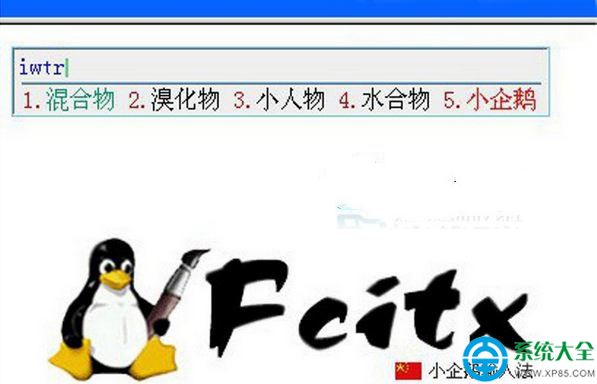 Fcitx 輸入法架構示意
常用熱鍵
- 中英切換:`Ctrl` + `Space`
- 輸入法切換:`Shift` + `Ctrl`
- 開啟設定:`fcitx-configtool`
進階設定
- 經典使用者介面:`fcitx-classic-ui`
- 皮膚主題:`fcitx-skin-*` 套件
- 自定義短語:設定工具 →「進階」→「自定義短語」匯入/編輯
注意: Wayland 顯示協定下需確保環境變數 `GTK_IM_MODULE=fcitx`、`QT_IM_MODULE=fcitx`、`XMODIFIERS=@im=fcitx` 正確設定(通常登入腳本自動處理)。